
- Course
Animation Techniques in Photoshop CC
In this Photoshop tutorial, we'll look at how we can use Photoshop as an animation tool. Software required: Photoshop CC 2015.
Intermediate
- Course
Animation Techniques in Photoshop CC
In this Photoshop tutorial, we'll look at how we can use Photoshop as an animation tool. Software required: Photoshop CC 2015.
Intermediate
Get started today
Access this course and other top-rated tech content with one of our business plans.
Try this course for free
Access this course and other top-rated tech content with one of our individual plans.
This course is included in the libraries shown below:
- Core Tech
What you'll learn
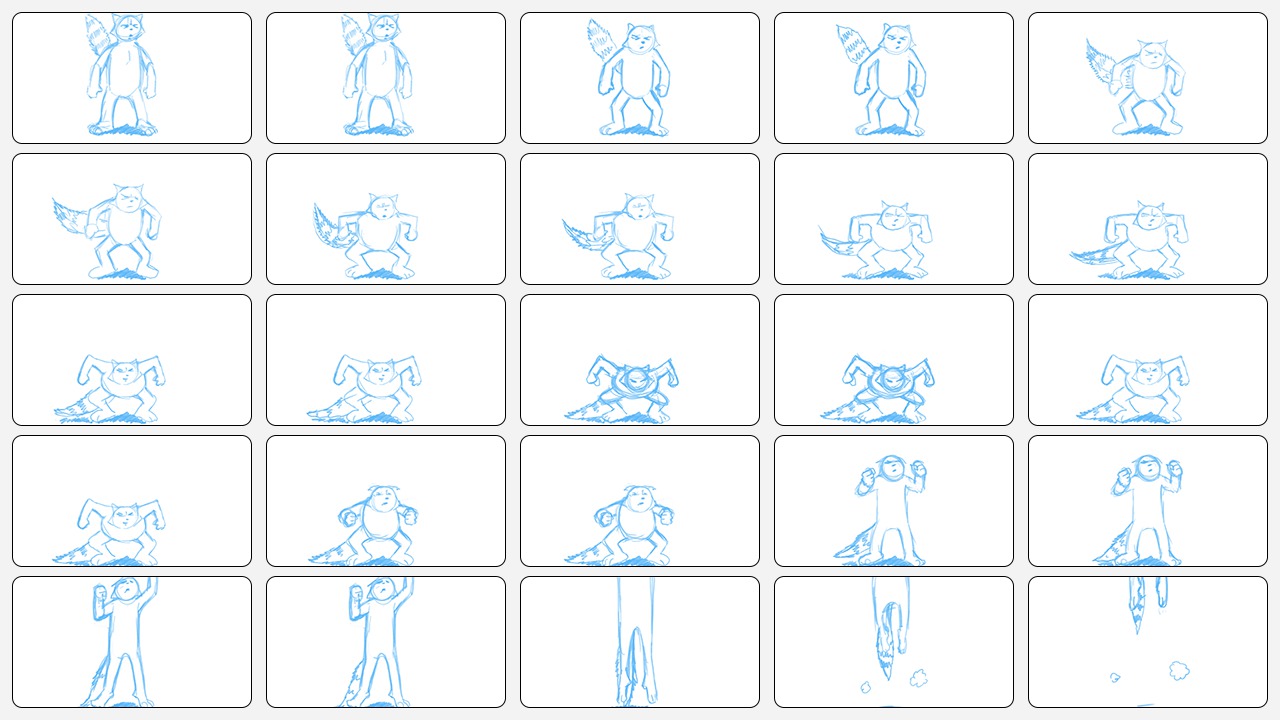
In this Photoshop tutorial, we'll look at how we can use Photoshop as an animation tool. We'll start by getting familiar with the timeline in Photoshop and the differences between video and regular layers. We'll then look at what extremes and keyframes are and why they're important to animation. Next, we'll discover how using onion skins can help our workflow by allowing us to see the natural curve of movement. We'll go over breakdowns, in-betweens and the different roles that they play in pose-to-pose animation. We'll also create straight ahead animation and look at when we would use this technique over pose-to-pose. By the end of this Photoshop training, you'll have a greater understanding of how animation works and will be well on your way to creating your own stories. Software required: Photoshop CC 2015.
Animation Techniques in Photoshop CC
Intermediate
Table of contents
