
- Course
Annotating Architectural Drawings in AutoCAD
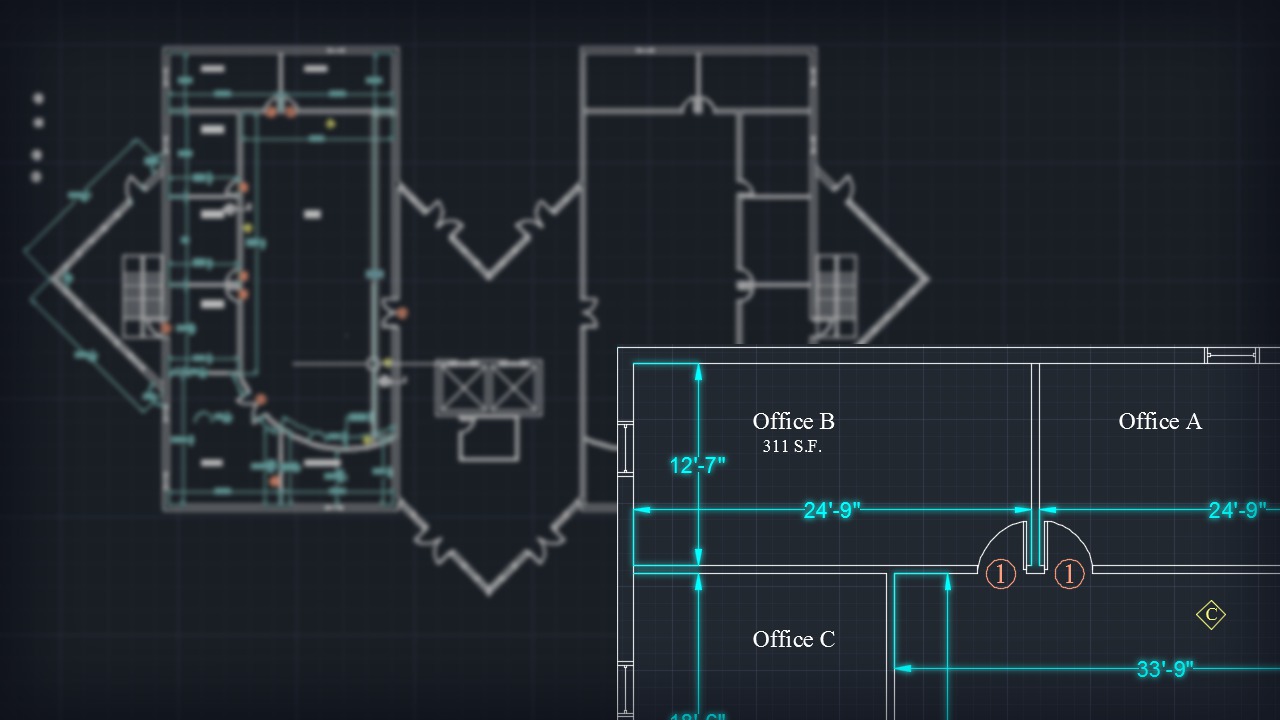
In this set of AutoCAD tutorials you'll learn how to annotate your architectural drawings using the annotation tools available to you in AutoCAD. Software required: AutoCAD 2015.
Beginner
- Course
Annotating Architectural Drawings in AutoCAD
In this set of AutoCAD tutorials you'll learn how to annotate your architectural drawings using the annotation tools available to you in AutoCAD. Software required: AutoCAD 2015.
Beginner
Get started today
Access this course and other top-rated tech content with one of our business plans.
Try this course for free
Access this course and other top-rated tech content with one of our individual plans.
This course is included in the libraries shown below:
- Core Tech
What you'll learn
In this set of AutoCAD tutorials you'll learn how to annotate your architectural drawings using the annotation tools available to you in AutoCAD. We'll begin with dimensions, where we'll learn how to place and customize dimensions to fit your own annotation style. Next we'll work with single line text where we'll create our own custom style to label the function and area of each space. Once we've finished working with dimensions and text, we'll take a look at how to work with tables and blocks to create simple door and wall construction schedules. By the end of this AutoCAD training you'll know how to work with labeling tools available to you within your annotation tab and you'll be able better communicate the details of your plan with and easy to read and professional style. Software required: AutoCAD 2015.
Annotating Architectural Drawings in AutoCAD
Beginner
Table of contents
