
- Course
Getting Started with Autodesk Navisworks
This Autodesk Navisworks course covers most topics that are used in coordination meetings such as creating the federated model by combining models from various consultants, navigating around the model, creating walkthrough animations, adding redline markups, measuring dimensions, creating search sets and selection sets, sectioning the model, and finally performing clash tests. Software required: Autodesk Navisworks 2016.
Beginner
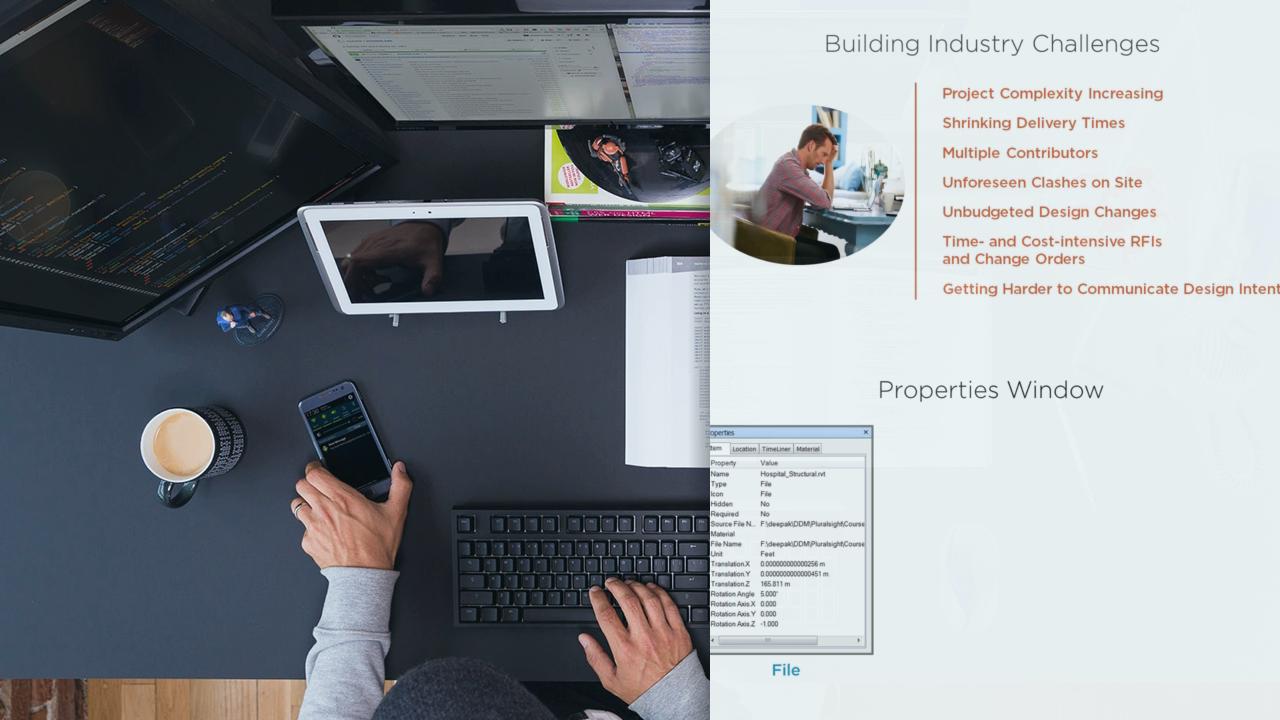
- Course
Getting Started with Autodesk Navisworks
This Autodesk Navisworks course covers most topics that are used in coordination meetings such as creating the federated model by combining models from various consultants, navigating around the model, creating walkthrough animations, adding redline markups, measuring dimensions, creating search sets and selection sets, sectioning the model, and finally performing clash tests. Software required: Autodesk Navisworks 2016.
Beginner
Get started today
Access this course and other top-rated tech content with one of our business plans.
Try this course for free
Access this course and other top-rated tech content with one of our individual plans.
This course is included in the libraries shown below:
- Core Tech
What you'll learn
This course introduces BIM professionals to Autodesk Navisworks, the most widely used BIM Data Coordination software. The author shares his industry experience of running coordination meetings and explains how to create a federated model by combining Autodesk Revit models from Architectural, Structural, HVAC, Electrical, and Plumbing consultants and then navigate around that model. You will learn how to create viewpoints and walkthrough animations in that model. You will also learn how to review the design using redline markups, measure dimensions, add search sets and selection sets, and section the model. This course also covers how to perform clash tests between various items in the consultants' models and generating clash reports to be issued to the individual consultants. The author then explains how to publish the NWD file after the coordination meeting and then how the Switchback functionality can be used to view the clashing items in Autodesk Revit for easy fixing of the issues. Software required: Autodesk Navisworks 2016.
Getting Started with Autodesk Navisworks
Beginner
Table of contents



Deepak is a qualified Mechanical Engineer with more than 18 years of experience in the industry. He is currently working as the National Technical Manager – Named Accounts, with Cadgroup Australia.
