
- Course
Blend Shape-based Facial Rigging in Maya
In this series of Maya tutorials, you'll learn production-proven facial rigging techniques for animation. Software required: Autodesk Maya 2015.
Intermediate
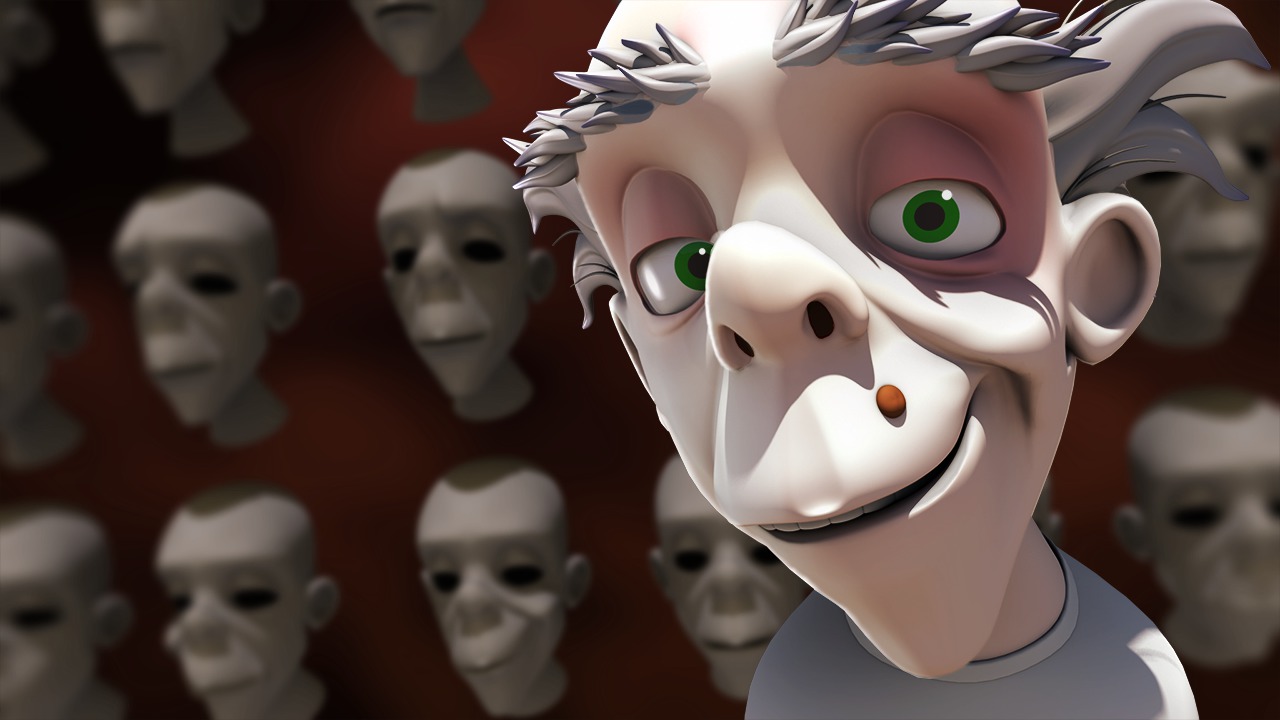
- Course
Blend Shape-based Facial Rigging in Maya
In this series of Maya tutorials, you'll learn production-proven facial rigging techniques for animation. Software required: Autodesk Maya 2015.
Intermediate
Get started today
Access this course and other top-rated tech content with one of our business plans.
Try this course for free
Access this course and other top-rated tech content with one of our individual plans.
This course is included in the libraries shown below:
- Core Tech
What you'll learn
In this series of Maya tutorials, you'll learn production-proven facial rigging techniques for animation. We'll start by building a facial skeleton. We'll then cover time-saving binding and weight-painting techniques. From there, we'll begin setting up control objects and Blend Shapes that will allow animators to produce natural and appealing facial expressions while having fun with the control rig. Along the way we'll learn how to attach objects to a deforming mesh, we'll learn how to troubleshoot common issues one might come across during the construction of the rig, and also learn how to script tools using both Python and MEL to improve our efficiency. By the end of this Maya training, you'll be equipped with the knowledge you need to set up your own facial rigs. Software required: Autodesk Maya 2015.
Blend Shape-based Facial Rigging in Maya
Intermediate
Table of contents
