
- Course
Character Capturing Using Proximity in Houdini
In this course, we will learn how to capture a character using proximity and appropriate weighting tools. Software required: Houdini 10 and Up.
Intermediate
- Course
Character Capturing Using Proximity in Houdini
In this course, we will learn how to capture a character using proximity and appropriate weighting tools. Software required: Houdini 10 and Up.
Intermediate
Get started today
Access this course and other top-rated tech content with one of our business plans.
Try this course for free
Access this course and other top-rated tech content with one of our individual plans.
This course is included in the libraries shown below:
- Core Tech
What you'll learn
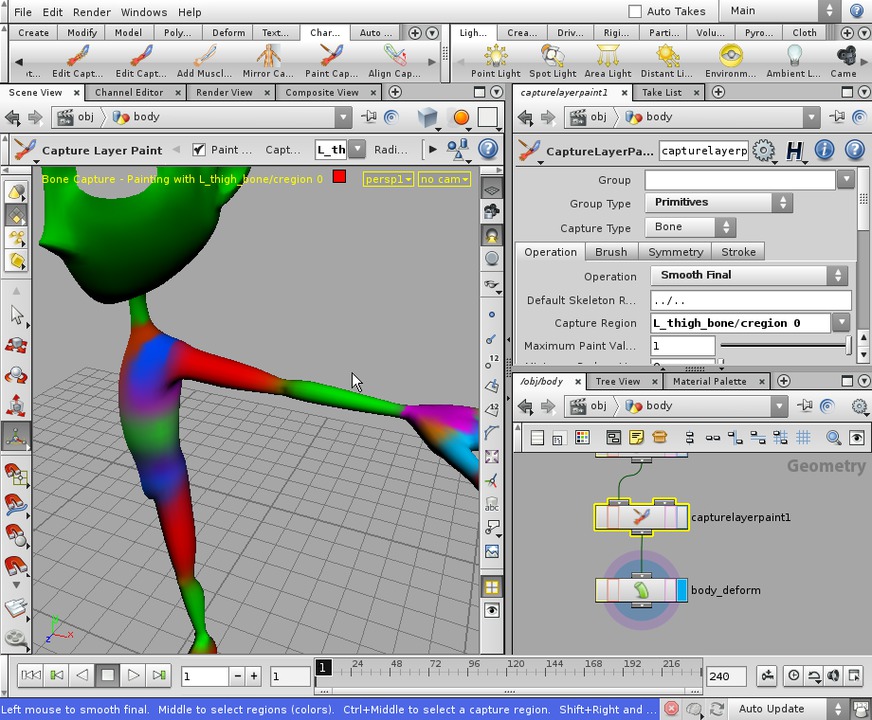
In this course, we will learn how to capture a character using proximity and appropriate weighting tools. We'll begin by learning how to capture our geometry with proximity and then go into how to edit and refine these regions to get good deformation on our character. Then we will go over how to make heavy use of the Edit Capture weights and Paint Capture layer tools, as well as how to use different techniques in manipulating our capture regions to get the best deformation possible. This series of lessons picks up from the end of character skeleton building and proceeds into control rig set up. Software required: Houdini 10 and Up.
Character Capturing Using Proximity in Houdini
Intermediate
Table of contents
