
- Course
Creating CheckMate Certified Models in CINEMA 4D
This training is for creating CheckMate certified models in Maya and 3ds Max. Software required: CINEMA 4D R15.
Intermediate
- Course
Creating CheckMate Certified Models in CINEMA 4D
This training is for creating CheckMate certified models in Maya and 3ds Max. Software required: CINEMA 4D R15.
Intermediate
Get started today
Access this course and other top-rated tech content with one of our business plans.
Try this course for free
Access this course and other top-rated tech content with one of our individual plans.
This course is included in the libraries shown below:
- Core Tech
What you'll learn
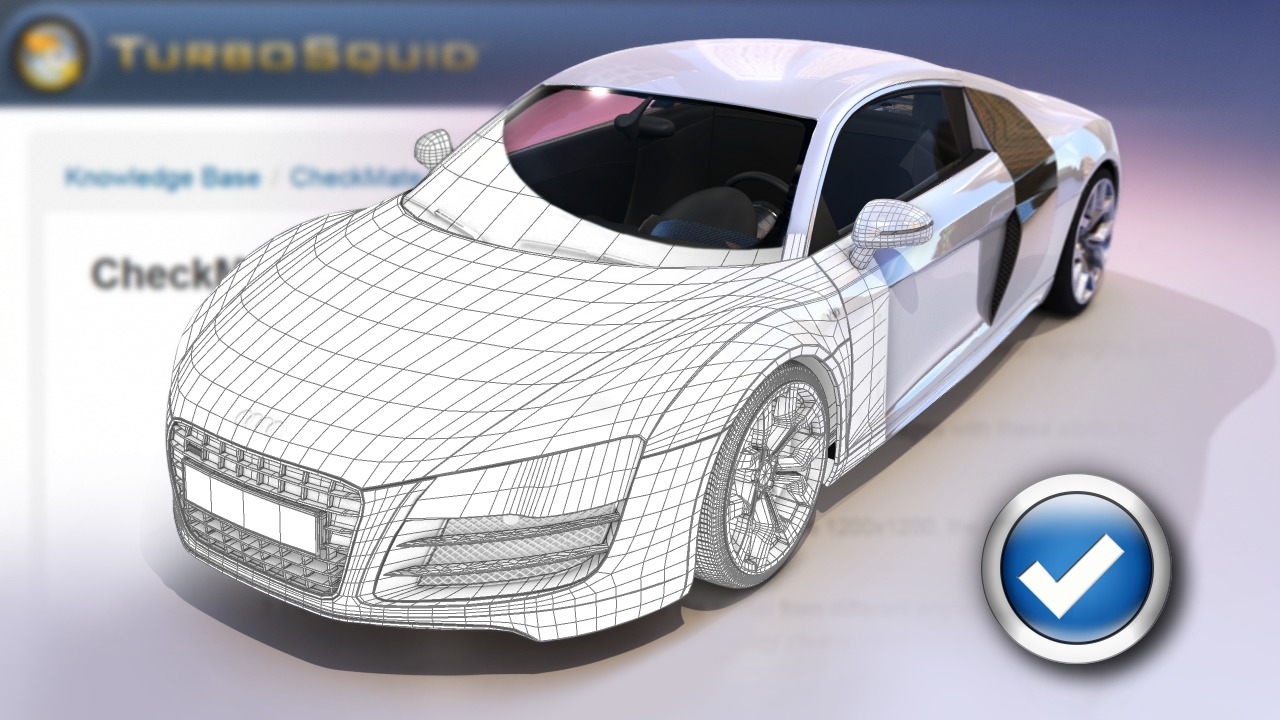
This training is for creating CheckMate certified models in Maya and 3ds Max. When selling your models on TurboSquid, having them CheckMate certified can set your work apart and let potential customers know they are getting solid, error free assets. In this course, we will go through some of the major components of the CheckMate certification and methods for correcting your models so they are in compliance. We'll talk about creating clean geometry and avoiding poles. We'll discuss subdividing geometry versus real-time models. In addition, we'll go over setting a correct scale and setting up wire-frame and turntable renders. In the end, you'll have a much better idea of how you can create high-quality models in CINEMA 4D for sale on TurboSquid. Software required: CINEMA 4D R15.
Creating CheckMate Certified Models in CINEMA 4D
Intermediate
Table of contents



Justin thrives as a lead modeling author at Pluralsight. Growing up, Justin found a deep interest for the computer graphics industry after watching movies like Jurassic Park, Toy Story and The Abyss. His ambition would lead him to work at Sony Imageworks in Los Angeles on movies like Monster House and Surf's Up. Justin has also had numerous articles, tutorials and images published in 3D World and 3D Artist.
