
- Course
Fireworks CS6 Fundamentals
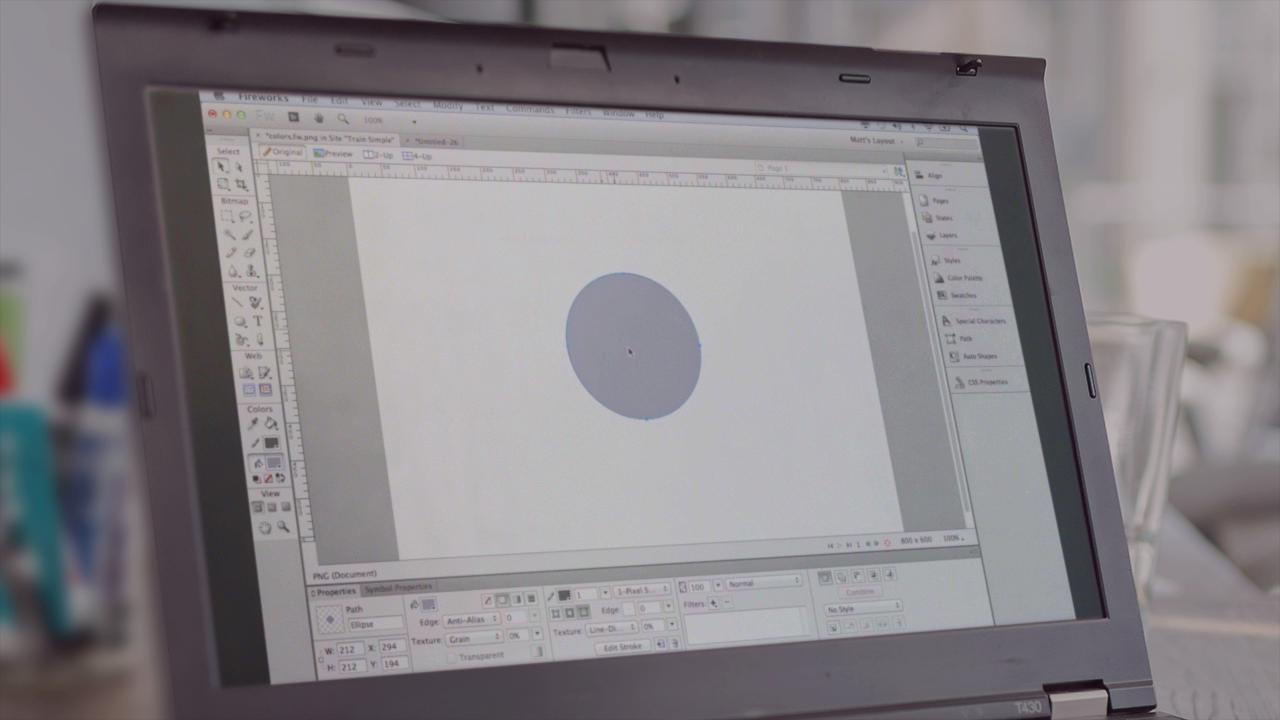
Fireworks CS6 Fundamentals will guide you through the program, making you an efficient user to create and optimize web graphics.
Beginner
- Course
Fireworks CS6 Fundamentals
Fireworks CS6 Fundamentals will guide you through the program, making you an efficient user to create and optimize web graphics.
Beginner
Get started today
Access this course and other top-rated tech content with one of our business plans.
Try this course for free
Access this course and other top-rated tech content with one of our individual plans.
This course is included in the libraries shown below:
- Core Tech
What you'll learn
Fireworks CS6 Fundamentals will guide you through the program, making you an efficient user to create and optimize web graphics. This course will also teach you how to use the many features inside of Fireworks to rapidly create wireframes and prototypes. In addition, the instructor demonstrates how to extract CSS code out of Fireworks for use in you web projects.
Fireworks CS6 Fundamentals
Beginner
Table of contents
-
Navigating Your Documents | 4m 47s
-
Line and Stroke Attributes | 5m 14s
-
Basic Shapes | 6m 35s
-
Subselection Tool | 3m 38s
-
Auto Shapes | 3m 25s
-
Combine Shapes | 7m 46s
-
Pen Tool | 5m 10s
-
Vector Path Tool, Redraw Path Tool | 2m 28s
-
Freeform, Reshape Area, and Knife Tools | 3m 10s
-
Transform Tools | 6m 45s
-
Color and Swatch Panels | 10m 56s
-
Fills and Gradients | 5m 4s



Matthew Pizzi is an Adobe Certified instructor with over 15 years of experience teaching Adobe applications.
