
- Course
Your First Day in Edge Animate
In this series of tutorials, we will be getting familiar with what you can do in Edge Animate. Software required: Edge Animate, HTML5.
Beginner
- Course
Your First Day in Edge Animate
In this series of tutorials, we will be getting familiar with what you can do in Edge Animate. Software required: Edge Animate, HTML5.
Beginner
Get started today
Access this course and other top-rated tech content with one of our business plans.
Try this course for free
Access this course and other top-rated tech content with one of our individual plans.
This course is included in the libraries shown below:
- Core Tech
What you'll learn
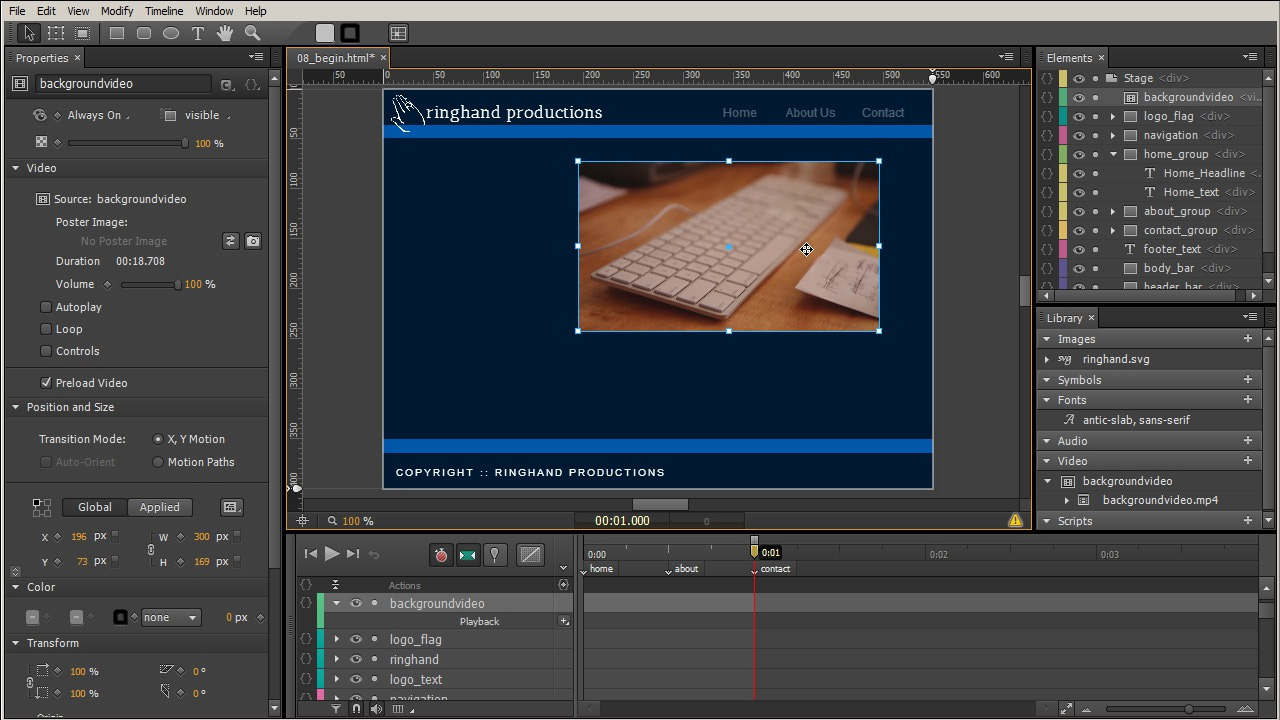
In this series of tutorials, we will be getting familiar with what you can do in Edge Animate. We'll start by getting acquainted with the tools and panels in Edge Animate. Then we'll learn how to create elements on our stage and add keyframes to their properties to create animations along the timeline. We'll talk about ways to improve the movement of our animations like creating motion paths and adding easing to our keyframes. We'll go over how we can import elements to our project such as logos and graphics as well as explain how to add interactivity to these elements by creating actions. As well, we'll go over how to change the appearance of the cursor to help the viewer understand what to expect from the element. then we'll create responsiveness for our project so the browser size controls the appearance of our site, and we'll wrap it up with figuring out how to work with HTML5 video in our site. Software required: Edge Animate, HTML5.
Your First Day in Edge Animate
Beginner
Table of contents
