
- Course
Your First Day Rendering in AutoCAD
In this set of tutorials, we'll walk through your first day rendering in AutoCAD. Software required: AutocAD 2014.
Beginner
- Course
Your First Day Rendering in AutoCAD
In this set of tutorials, we'll walk through your first day rendering in AutoCAD. Software required: AutocAD 2014.
Beginner
Get started today
Access this course and other top-rated tech content with one of our business plans.
Try this course for free
Access this course and other top-rated tech content with one of our individual plans.
This course is included in the libraries shown below:
- Core Tech
What you'll learn
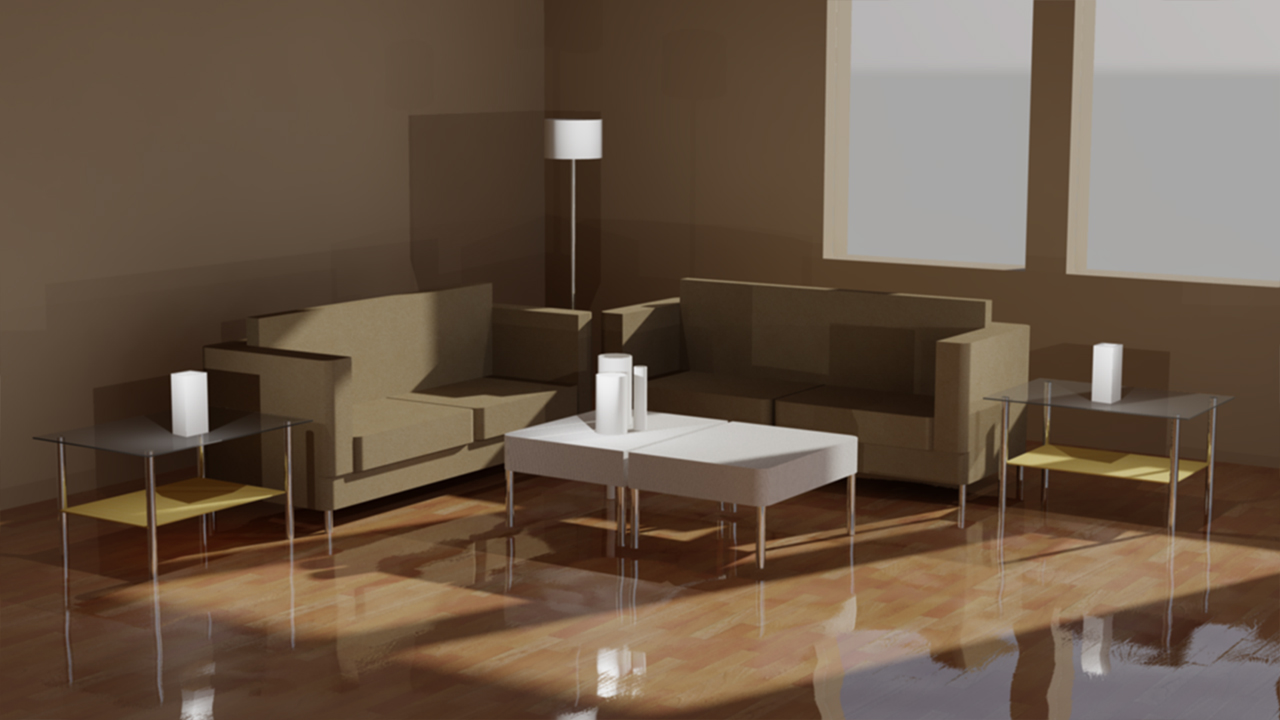
In this set of tutorials, we'll walk through your first day rendering in AutoCAD. We'll begin with the basics and explore the effects of a basic render. We'll then dig even deeper and get familiar with the user interface as well as some commonly-used presets that will help you achieve the look and feel you have in mind. Along the way, we'll explore additional tools like lighting and the materials browser, which can help you achieve a more realistic-looking image or scene. By the end of this training, you'll be able to set up a scene, work with lighting, apply materials, and save your rendered image. Software required: AutoCAD 2014.
Your First Day Rendering in AutoCAD
Beginner
Table of contents
