
- Course
Creating Game Weapons in CINEMA 4D and ZBrush
In this series of lessons, we are going to go through the process of building and detailing a sword using CINEMA 4D and ZBrush. Software required: CINEMA 4D R12 and up for project files, ZBrush 4 and up for project files.
Intermediate
- Course
Creating Game Weapons in CINEMA 4D and ZBrush
In this series of lessons, we are going to go through the process of building and detailing a sword using CINEMA 4D and ZBrush. Software required: CINEMA 4D R12 and up for project files, ZBrush 4 and up for project files.
Intermediate
Get started today
Access this course and other top-rated tech content with one of our business plans.
Try this course for free
Access this course and other top-rated tech content with one of our individual plans.
This course is included in the libraries shown below:
- Core Tech
What you'll learn
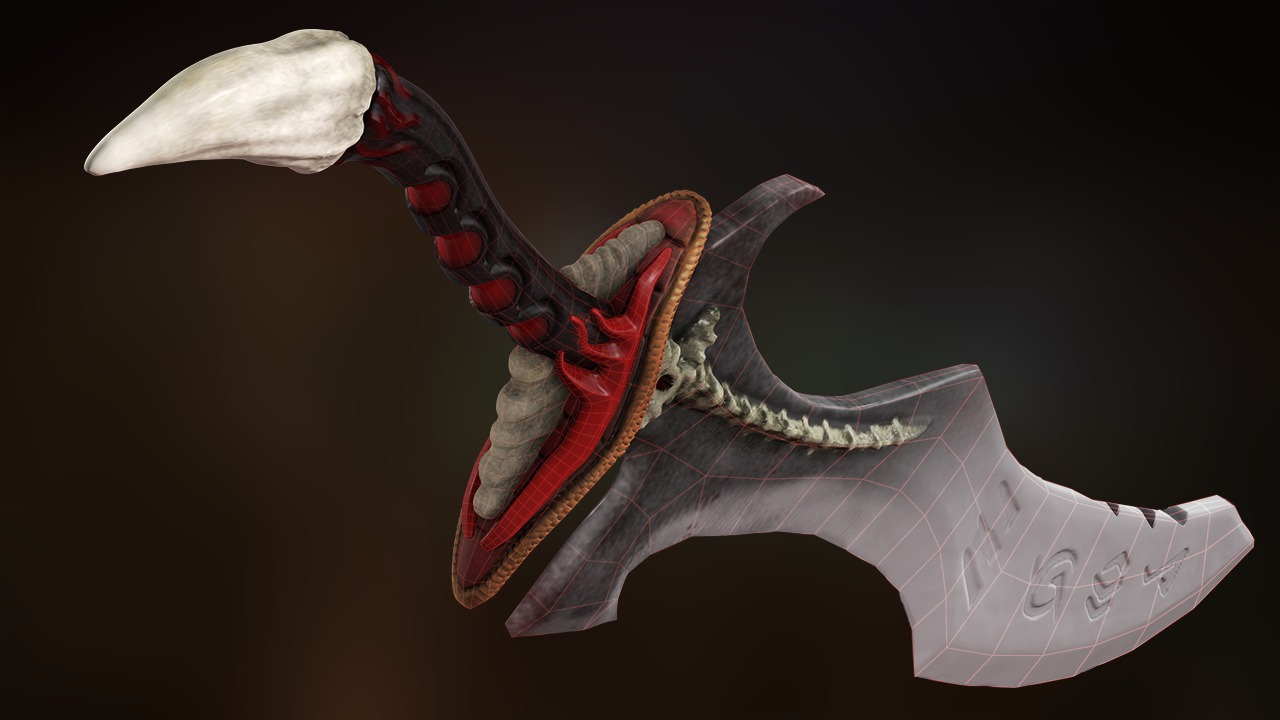
In this series of lessons, we are going to go through the process of building and detailing a sword using CINEMA 4D and ZBrush. When building 3D assets, the ability of your computer to manipulate those objects is limited, especially when dealing with very high-resolution meshes. Because of this, we use 2D images, like normal maps, to simulate the high-resolution detail in a way that we can more easily use. In this course, we will build a sword from scratch in CINEMA 4D. Once the base geometry is modeled, we will completely sculpt and paint the sword in ZBrush using a variety of techniques. To finish up, we will generate maps for the color and sculpted detail and use GoZ to quickly transfer all of the data back to CINEMA 4D. When you are done, you will have a better understanding of the workflow involved in building and sculpting high resolution props and set pieces with CINEMA 4D and ZBrush and creating usable assets from them. Software required: CINEMA 4D R12 and up for project files, ZBrush 4 and up for project files.
Creating Game Weapons in CINEMA 4D and ZBrush
Intermediate
Table of contents



Justin thrives as a lead modeling author at Pluralsight. Growing up, Justin found a deep interest for the computer graphics industry after watching movies like Jurassic Park, Toy Story and The Abyss. His ambition would lead him to work at Sony Imageworks in Los Angeles on movies like Monster House and Surf's Up. Justin has also had numerous articles, tutorials and images published in 3D World and 3D Artist.
