
- Course
Getting Started with BodyPaint 3D
In this course, we will cover the basics of working in BodyPaint 3D. Software required: BodyPaint 3D 4.5.
Beginner
- Course
Getting Started with BodyPaint 3D
In this course, we will cover the basics of working in BodyPaint 3D. Software required: BodyPaint 3D 4.5.
Beginner
Get started today
Access this course and other top-rated tech content with one of our business plans.
Try this course for free
Access this course and other top-rated tech content with one of our individual plans.
This course is included in the libraries shown below:
- Core Tech
What you'll learn
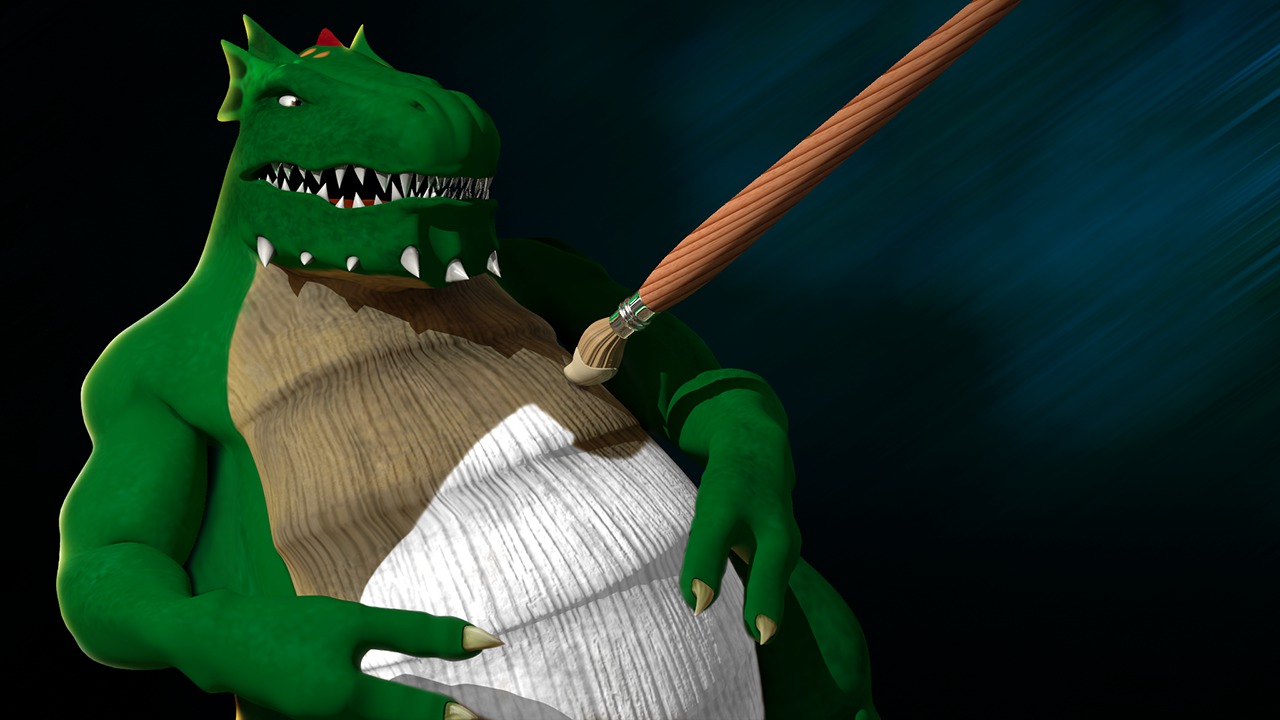
In this course, we will cover the basics of working in BodyPaint 3D. Creating believable texture maps is a huge part of creating great characters, props, and environments. BodyPaint 3D is fantastic tool for painting textures interactively on our models, while keeping a lot of the functionality that comes from working in a 2d image editing application. BodyPaint 3D is widely used in the industry and knowing how to use this powerful program will really help you work faster and smarter. In this course, we will get a good jump start on working in BodyPaint 3D. We will go over the interface and talk about where everything is located. We will go through the process of setting up textures for our models, complete with multiple channels and layers. We'll cover painting concepts and tools including working with brushes and color. We'll also look at useful concepts like Projection Painting and using the Raybrush Render View to get a better idea of what your texture will look like as you paint. We'll also go over some of the ways you can integrate BodyPaint 3D with other applications like Photoshop, Maya, or 3ds Max. Once you are done, you will be able to jump in and start texturing your own models in BodyPaint 3D. Software required: BodyPaint 3D 4.5.
Getting Started with BodyPaint 3D
Beginner
Table of contents



Justin thrives as a lead modeling author at Pluralsight. Growing up, Justin found a deep interest for the computer graphics industry after watching movies like Jurassic Park, Toy Story and The Abyss. His ambition would lead him to work at Sony Imageworks in Los Angeles on movies like Monster House and Surf's Up. Justin has also had numerous articles, tutorials and images published in 3D World and 3D Artist.
