
- Course
Getting Started with TopoGun
In this TopoGun tutorial, we're going to learn the basics of using TopoGun to build custom topology for our models. Software required: TopoGun 1.06.
Beginner
- Course
Getting Started with TopoGun
In this TopoGun tutorial, we're going to learn the basics of using TopoGun to build custom topology for our models. Software required: TopoGun 1.06.
Beginner
Get started today
Access this course and other top-rated tech content with one of our business plans.
Try this course for free
Access this course and other top-rated tech content with one of our individual plans.
This course is included in the libraries shown below:
- Core Tech
What you'll learn
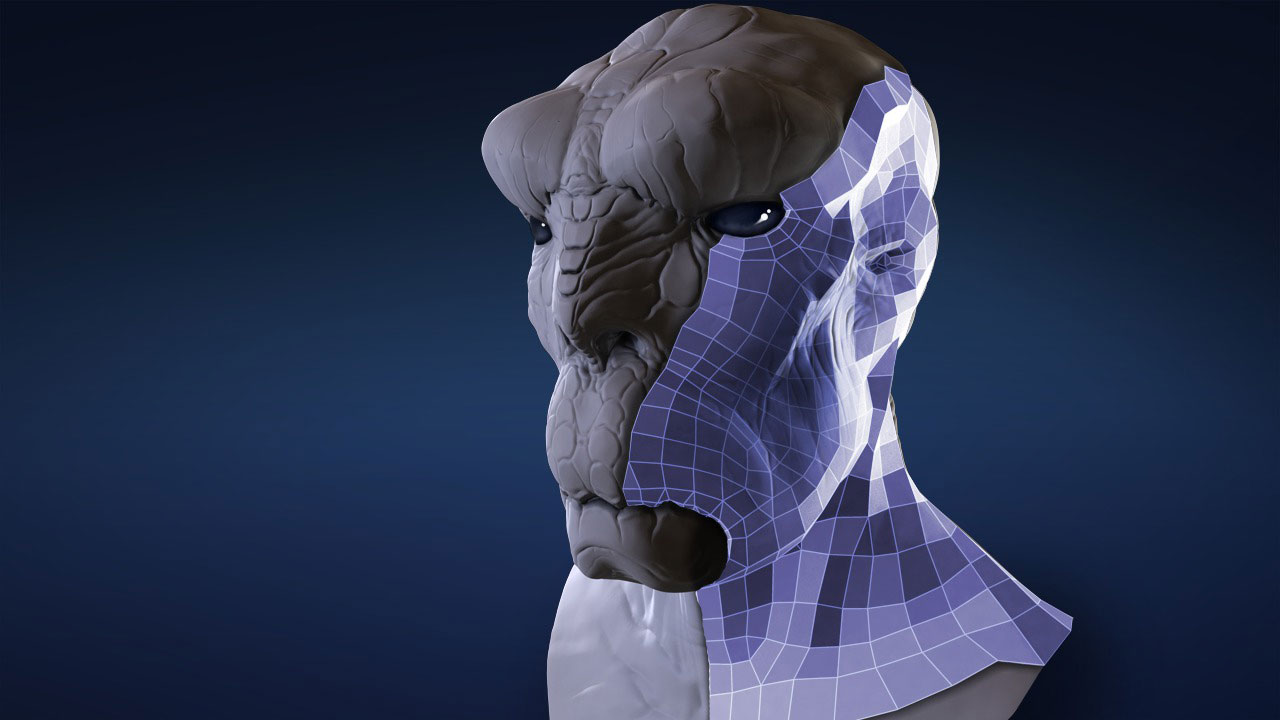
In this TopoGun tutorial, we're going to learn the basics of using TopoGun to build custom topology for our models. These days it's common practice to create extremely high-resolution and highly detailed models in sculpting applications like ZBrush or Mudbox. These models can give us a great idea of what a character, set, or prop will look like, but they're usually not optimized for rigging, animation, or use in a real-time game engine. Or the underlying topology we are using to sculpt may not be optimal for the detail we're creating. TopoGun remedies these issues by allowing us to very intuitively draw new geometry right on top of our existing models. This new topology can be used as a new base mesh when sculpting, or we can use it in a game engine along with all of the texture and normal maps that TopoGun also creates. We'll start off the course by talking about the importance of good topology and why TopoGun can be such a a useful tool. We'll go over the interface and the basics of getting around the application. We'll talk about the tools you'll be using in TopoGun to create and modify topology. Then we'll cover the generation of different types of texture maps and cover a symmetrical workflow. Once we're done with the tutorial, you'll be able to start using TopoGun to really speed up your workflow and create more optimal topology for your projects. We will also be jumping around a little to different applications to see how well TopoGun integrates, so it will be helpful if you have some experience with Maya, ZBrush, or Mudbox. Software required: TopoGun 1.06.
Getting Started with TopoGun
Beginner
Table of contents



Justin thrives as a lead modeling author at Pluralsight. Growing up, Justin found a deep interest for the computer graphics industry after watching movies like Jurassic Park, Toy Story and The Abyss. His ambition would lead him to work at Sony Imageworks in Los Angeles on movies like Monster House and Surf's Up. Justin has also had numerous articles, tutorials and images published in 3D World and 3D Artist.
