
- Course
Creating a Grunge Concert Poster in Photoshop
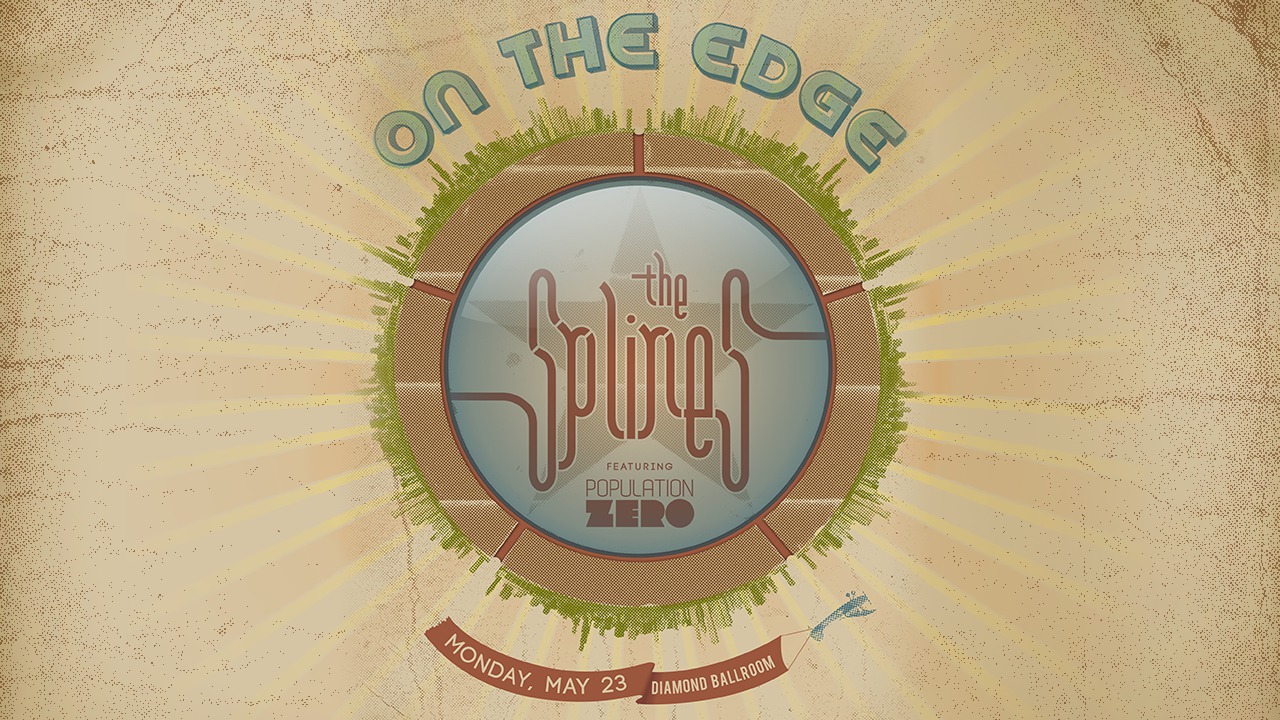
In this collection, of lessons we will focus on Creating a Grunge Concert Poster in Photoshop CS5. Software required: Photoshop CS5.
Intermediate
- Course
Creating a Grunge Concert Poster in Photoshop
In this collection, of lessons we will focus on Creating a Grunge Concert Poster in Photoshop CS5. Software required: Photoshop CS5.
Intermediate
Get started today
Access this course and other top-rated tech content with one of our business plans.
Try this course for free
Access this course and other top-rated tech content with one of our individual plans.
This course is included in the libraries shown below:
- Core Tech
What you'll learn
In this collection of lessons, we will focus on Creating a Grunge Concert Poster in Photoshop CS5. We will begin this process by bringing in a vector logo and examining some of the photo assets we will be using in our composition. For this project, we will not be drawing much but we will prove that it is still possible to create a compelling design. Throughout this course, we will be using a variety of the tools that Photoshop puts at our disposal including layer masks, adjustment layers, as well as vectors to create our poster. We will even learn the more complex process of creating a halftone screen out of portions of an image and integrating it into our design. To wrap things up, we will add some visual appeal to the poster by creating a distressed paper texture. After completing this course, you will have a good feel for several of the commonly used tools and techniques in Adobe Photoshop. Software required: Photoshop CS5.
Creating a Grunge Concert Poster in Photoshop
Intermediate
Table of contents



Eddie is a content producer for Unity as well as a seasoned shading, texturing, lighting and rendering artist. He takes pride in helping creative professionals reach their learning goals.
