
- Course
Creating High Resolution Characters in ZBrush
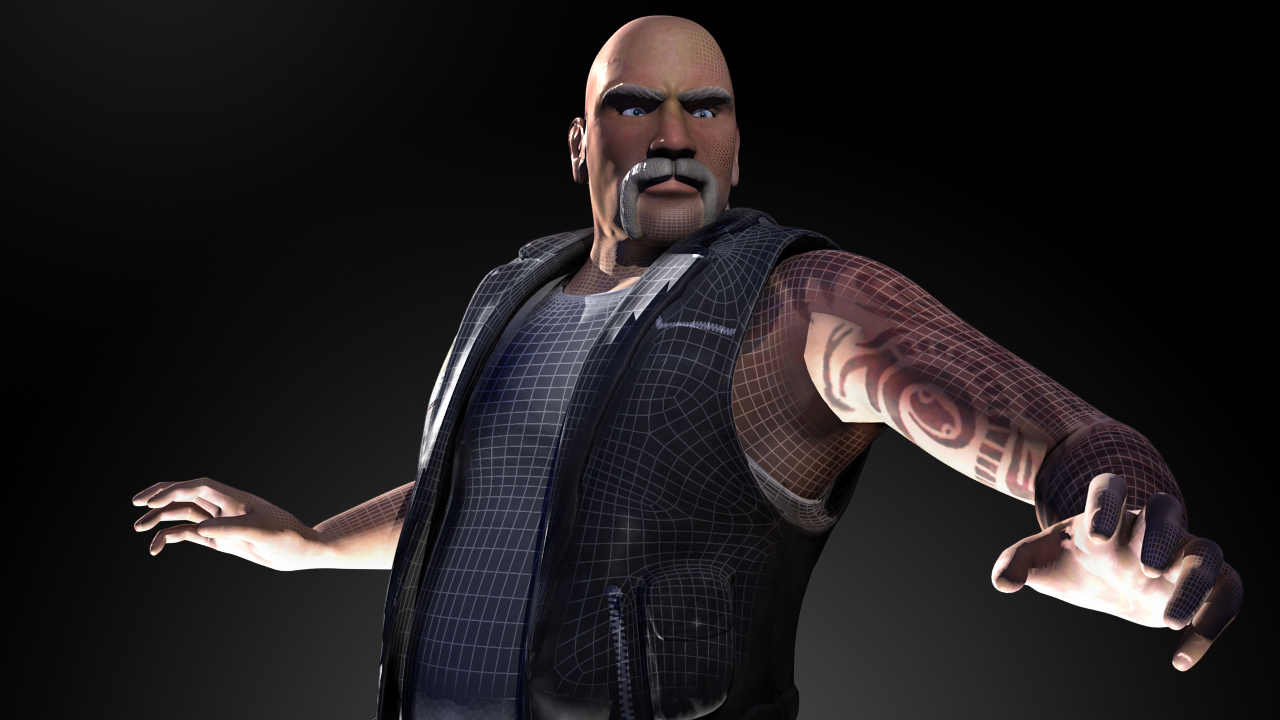
In this course, we'll use ZBrush to build and detail a high resolution biker character. Software required: ZBrush 4, Maya 2011, Photoshop for project files.
Intermediate
- Course
Creating High Resolution Characters in ZBrush
In this course, we'll use ZBrush to build and detail a high resolution biker character. Software required: ZBrush 4, Maya 2011, Photoshop for project files.
Intermediate
Get started today
Access this course and other top-rated tech content with one of our business plans.
Try this course for free
Access this course and other top-rated tech content with one of our individual plans.
This course is included in the libraries shown below:
- Core Tech
What you'll learn
In this course, we'll use ZBrush to build and detail a high resolution biker character. ZBrush is a great tool for putting together characters. You can create base geometry, sculpt and paint your meshes, build accessories and clothing, and work seamlessly between other applications. In this course, we'll go through the process of building up a high resolution character from start to finish using ZBrush as our main application. We'll explore the use of zSpheres in building out our base mesh. We'll use GoZ to quickly take geometry between ZBrush and Maya, although the methods used will apply to other applications as well. We'll also use a bit of Photoshop to edit and create some texture maps we can use in ZBrush to add sculpt and color detail. We're going to cover a lot of ground and, in the end, you'll have a finished character, along with the tools you need to create your own high resolution character models. Software required: ZBrush 4, Maya 2011, Photoshop for project files.
Creating High Resolution Characters in ZBrush
Intermediate
Table of contents



Justin thrives as a lead modeling author at Pluralsight. Growing up, Justin found a deep interest for the computer graphics industry after watching movies like Jurassic Park, Toy Story and The Abyss. His ambition would lead him to work at Sony Imageworks in Los Angeles on movies like Monster House and Surf's Up. Justin has also had numerous articles, tutorials and images published in 3D World and 3D Artist.
