
- Course
'Infiltrator' Production Pipeline Volume 7: Compositing in NUKE
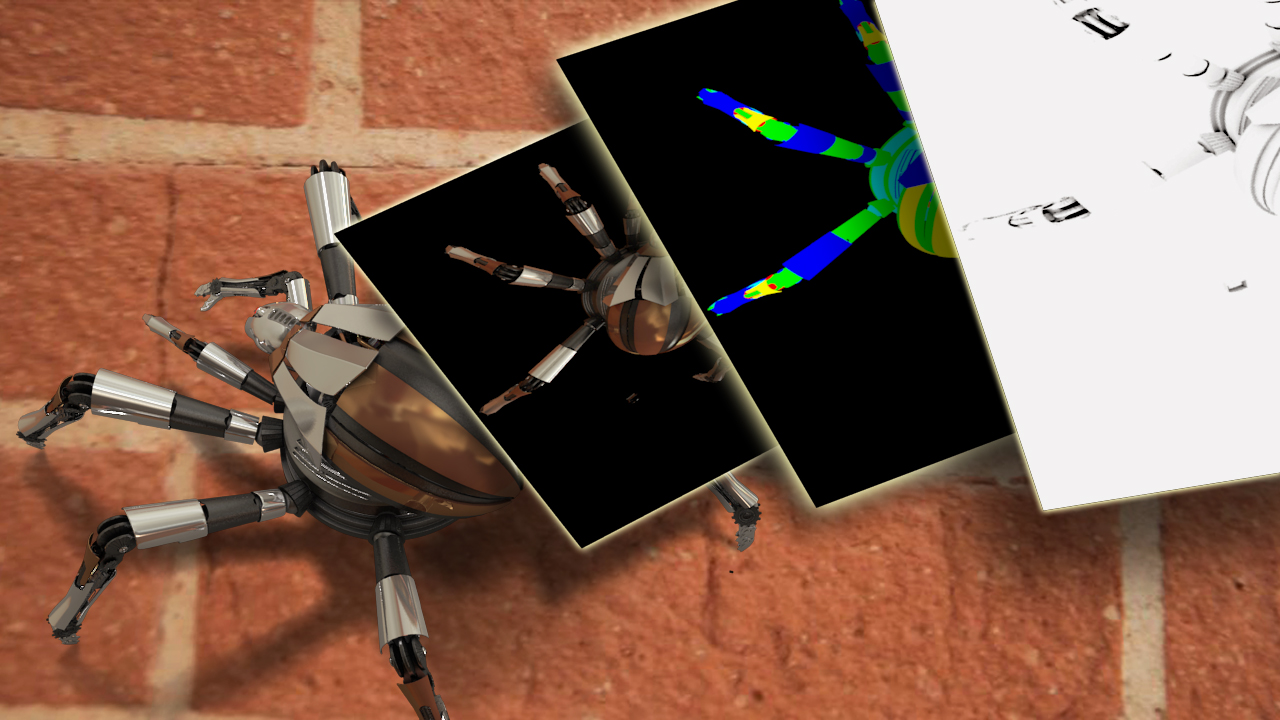
In this NUKE tutorial we will learn how to use NUKE to re-assemble our Maya render passes, integrate them with our background plates and add some special effects. Software required: NUKE 6.2 and up.
Intermediate
- Course
'Infiltrator' Production Pipeline Volume 7: Compositing in NUKE
In this NUKE tutorial we will learn how to use NUKE to re-assemble our Maya render passes, integrate them with our background plates and add some special effects. Software required: NUKE 6.2 and up.
Intermediate
Get started today
Access this course and other top-rated tech content with one of our business plans.
Try this course for free
Access this course and other top-rated tech content with one of our individual plans.
This course is included in the libraries shown below:
- Core Tech
What you'll learn
In this NUKE tutorial we will learn how to use NUKE to re-assemble our Maya render passes, integrate them with our background plates and add some special effects. Using NUKE to composite gives us an incredible amount of creative control over the final look of our shot. We will begin this tutorial by importing and formatting our render passes from Maya. From there we will do some basic compositing. We will then begin troubleshooting our shot and using a variety of tools and techniques to integrate our elements. We will also learn how to fix issues in our background plate using masks, keyers and other nodes. During this shot, we will be animating various elements to tell the story of the director. Finally, we will complete the NUKE tutorial by using distortion and blurs to create an ending for our infiltrator shot. Software required: NUKE 6.2 and up.
'Infiltrator' Production Pipeline Volume 7: Compositing in NUKE
Intermediate
Table of contents
