
- Course
Introduction to Rigging in Softimage
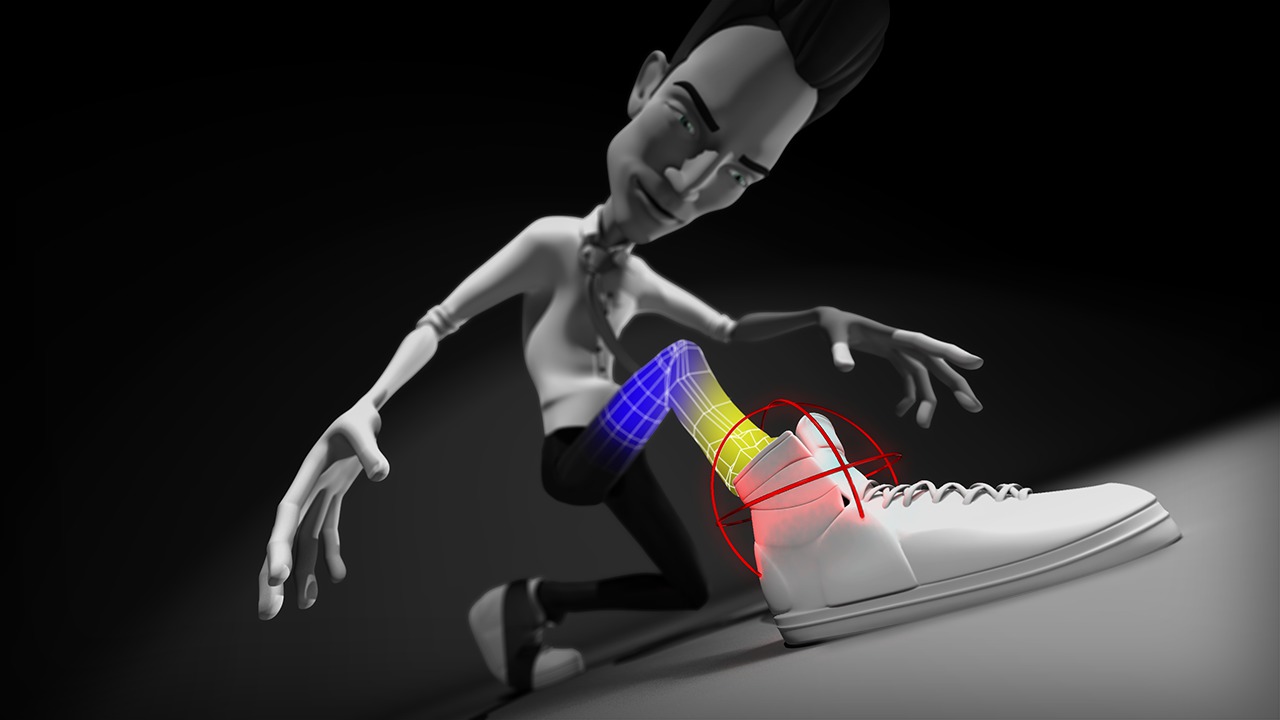
In this set of Softimage tutorials, we will take an introductory look into rigging tools and techniques for Softimage. Software required: Autodesk Softimage 2014.
Beginner
- Course
Introduction to Rigging in Softimage
In this set of Softimage tutorials, we will take an introductory look into rigging tools and techniques for Softimage. Software required: Autodesk Softimage 2014.
Beginner
Get started today
Access this course and other top-rated tech content with one of our business plans.
Try this course for free
Access this course and other top-rated tech content with one of our individual plans.
This course is included in the libraries shown below:
- Core Tech
What you'll learn
In this set of Softimage tutorials, we will take an introductory look into rigging tools and techniques for Softimage. We'll start by learning the basics, which includes everything from how to establish solid naming conventions and rig management, to how to work with Softimage's joint tools and constraints. We'll then cover more advanced topics like setting up an enhanced IK rig, using Expressions to create a fleshy-eye system, as well enveloping and weight-painting techniques. We'll also learn how to create clean and animator-friendly rigs. By the end, you will be comfortable enough to utilize Softimage's rigging features to build your own control rigs. Software required: Autodesk Softimage 2014.
Introduction to Rigging in Softimage
Beginner
Table of contents
