
- Course
Creating a Kitchen Visualization in 3ds Max and V-Ray
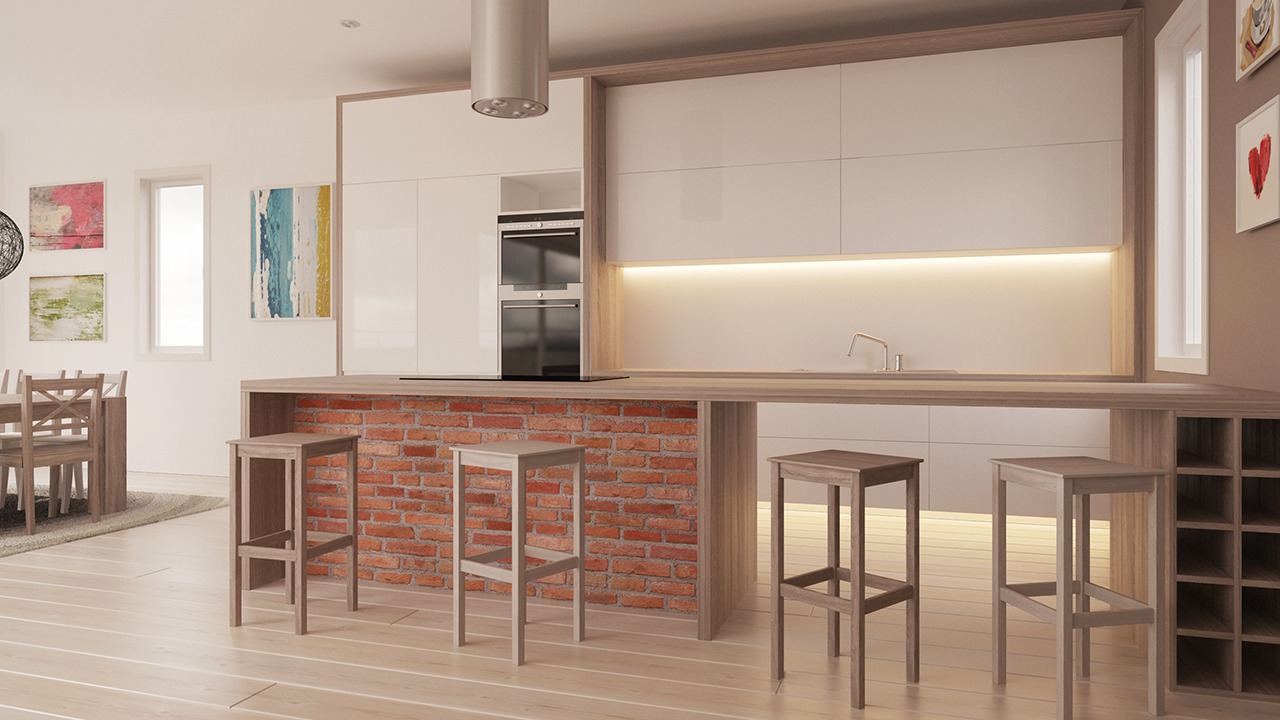
Throughout this 3ds Max and V-Ray tutorial, we'll be creating a kitchen visualization. Software required: 3ds Max 2013, V-Ray 2.40.03, Photoshop CS5.
Advanced
- Course
Creating a Kitchen Visualization in 3ds Max and V-Ray
Throughout this 3ds Max and V-Ray tutorial, we'll be creating a kitchen visualization. Software required: 3ds Max 2013, V-Ray 2.40.03, Photoshop CS5.
Advanced
Get started today
Access this course and other top-rated tech content with one of our business plans.
Try this course for free
Access this course and other top-rated tech content with one of our individual plans.
This course is included in the libraries shown below:
- Core Tech
What you'll learn
Throughout this 3ds Max and V-Ray tutorial, we'll be creating a kitchen visualization. We'll start by breaking down CAD plans and creating kitchen blocks. Next, we'll add final details to our kitchen model and create appliances. Lastly, we'll set up our lighting and materials and optimize the render settings in V-Ray. By the end of this 3ds Max and V-Ray training, you'll have learned how to create stunning kitchen renders that will impress your clients and get you a next job. Software required: 3ds Max 2013, V-Ray 2.40.03, Photoshop CS5.
Creating a Kitchen Visualization in 3ds Max and V-Ray
Advanced
Table of contents
