
- Course
Lighting a Scene for Feature Film with V-Ray in Maya
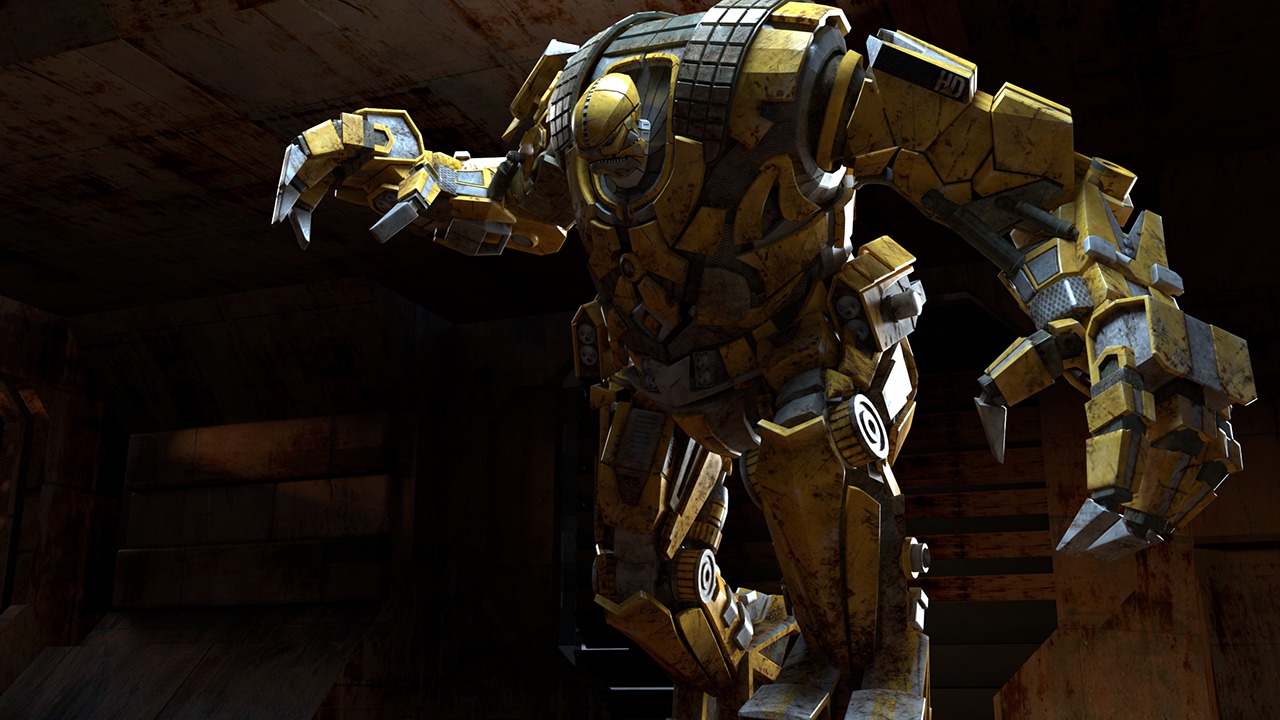
In this Maya tutorial we'll explore feature film lighting techniques using V-Ray in Maya and NUKE. Software required: Maya 2014, V-Ray 2.4, NUKE 7.
Advanced
- Course
Lighting a Scene for Feature Film with V-Ray in Maya
In this Maya tutorial we'll explore feature film lighting techniques using V-Ray in Maya and NUKE. Software required: Maya 2014, V-Ray 2.4, NUKE 7.
Advanced
Get started today
Access this course and other top-rated tech content with one of our business plans.
Try this course for free
Access this course and other top-rated tech content with one of our individual plans.
This course is included in the libraries shown below:
- Core Tech
What you'll learn
In this Maya tutorial we'll explore feature film lighting techniques using V-Ray in Maya and NUKE. Throughout these lessons we'll look at the steps required to set up advanced film lighting. We'll start by using an image-based lighting setup and four point light setup. Along the way we'll use Alembic to export our geometry and camera, then we'll create precomps/lighting comps using NUKE. By the end of this Maya training you'll have a solid understanding of the workflows that are required to light a scene in a feature film. Software required: Maya 2014, V-Ray 2.4, NUKE 7.
Lighting a Scene for Feature Film with V-Ray in Maya
Advanced
Table of contents
