
- Course
Maximizing Your Wacom Device for MARI
Whether you are a 2D or 3D artist, it's a good possibility that the tablet is a critical piece of hardware in your day to day work. Software required: MARI 1.5v1.
Beginner
- Course
Maximizing Your Wacom Device for MARI
Whether you are a 2D or 3D artist, it's a good possibility that the tablet is a critical piece of hardware in your day to day work. Software required: MARI 1.5v1.
Beginner
Get started today
Access this course and other top-rated tech content with one of our business plans.
Try this course for free
Access this course and other top-rated tech content with one of our individual plans.
This course is included in the libraries shown below:
- Core Tech
What you'll learn
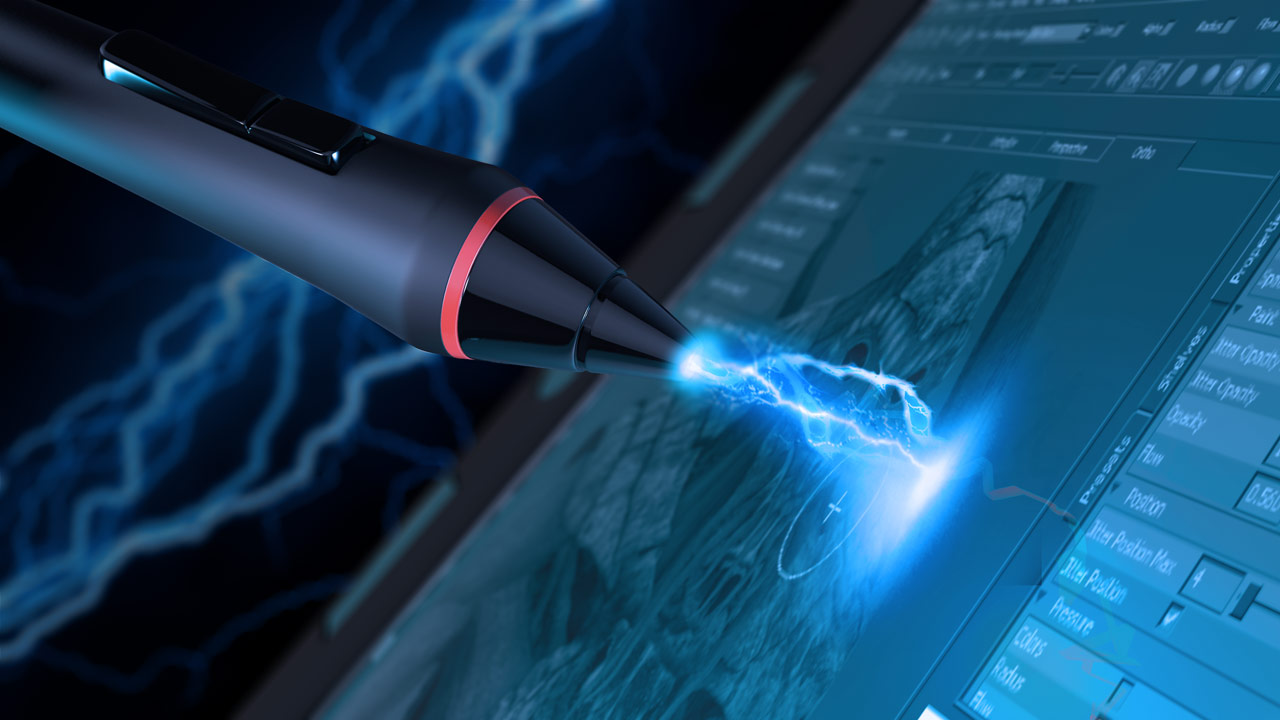
Whether you are a 2D or 3D artist, it's a good possibility that the tablet is a critical piece of hardware in your day to day work. The goal of this course will be to help you maximize the features of your tablet in a way that is specific to texture painting in MARI. Whether it is your grip pen, express keys, touch strip or radial menu, each is a powerful feature that, when properly utilized, will extend the functionality of your Wacom product so that it is much more than a simple surface for drawing or painting. We will learn how to set each one of these features up for MARI and then wrap up this course by learning how to backup and restore our customized tablet properties. After completing this course, you will be able to fully harness the power of your Wacom tablet when painting textures in MARI. Software required: MARI 1.5v1.
Maximizing Your Wacom Device for MARI
Beginner
Table of contents



Eddie is a content producer for Unity as well as a seasoned shading, texturing, lighting and rendering artist. He takes pride in helping creative professionals reach their learning goals.
