
- Course
mental ray Workflows in Maya: Subsurface Scattering
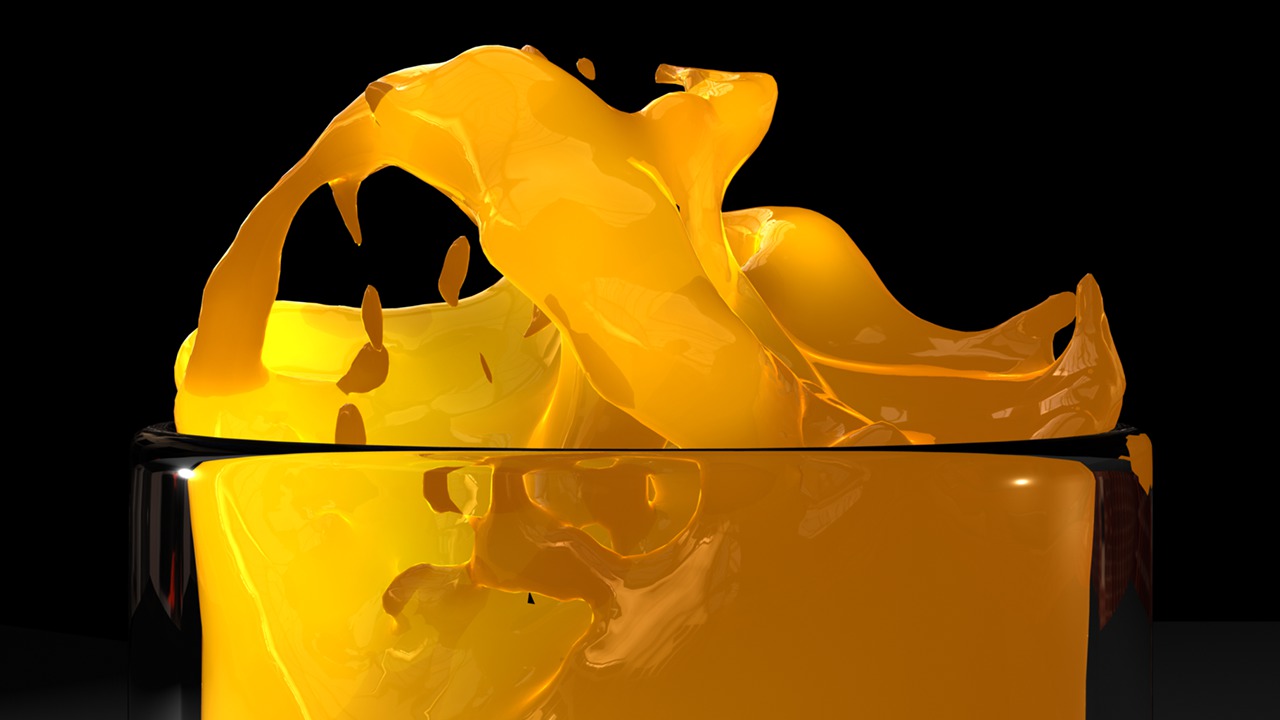
Gain a deeper understanding of Subsurface Scattering, how to accurately simulate light behavior, and learn a time-saving approach to lighting and rendering translucent surfaces with mental ray. Software required: Maya 8.0 and up (Maya 2008 required for project files).
Intermediate
- Course
mental ray Workflows in Maya: Subsurface Scattering
Gain a deeper understanding of Subsurface Scattering, how to accurately simulate light behavior, and learn a time-saving approach to lighting and rendering translucent surfaces with mental ray. Software required: Maya 8.0 and up (Maya 2008 required for project files).
Intermediate
Get started today
Access this course and other top-rated tech content with one of our business plans.
Try this course for free
Access this course and other top-rated tech content with one of our individual plans.
This course is included in the libraries shown below:
- Core Tech
What you'll learn
Gain a deeper understanding of Subsurface Scattering, how to accurately simulate light behavior, and learn a time-saving approach to lighting and rendering translucent surfaces with mental ray. Provides over 3 hours of project-driven training for artists learning how to achieve more realistic results with Subsurface Scattering. Popular highlights include: Overview of essential subsurface scattering attributes; Connecting lightmaps to subsurface shaders; Understanding forward and backward scattering; Using bump and normal maps with subsurface shaders; Properly controlling light interaction with translucent surfaces; Controlling scatter bias; Adjusting lightmap's Diffuse Gamma Curve; Adding separate specular/reflection attributes to SSS shaders; Using SSS with final gather; Using textures to drive SSS attributes; Using the Physical SSS shader; Controlling photon interactions with Physical SSS; Absorption and scattering coefficients. Software required: Maya 8.0 and up (Maya 2008 required for project files).
mental ray Workflows in Maya: Subsurface Scattering
Intermediate
Table of contents
