
- Course
MicroMesh Techniques in ZBrush
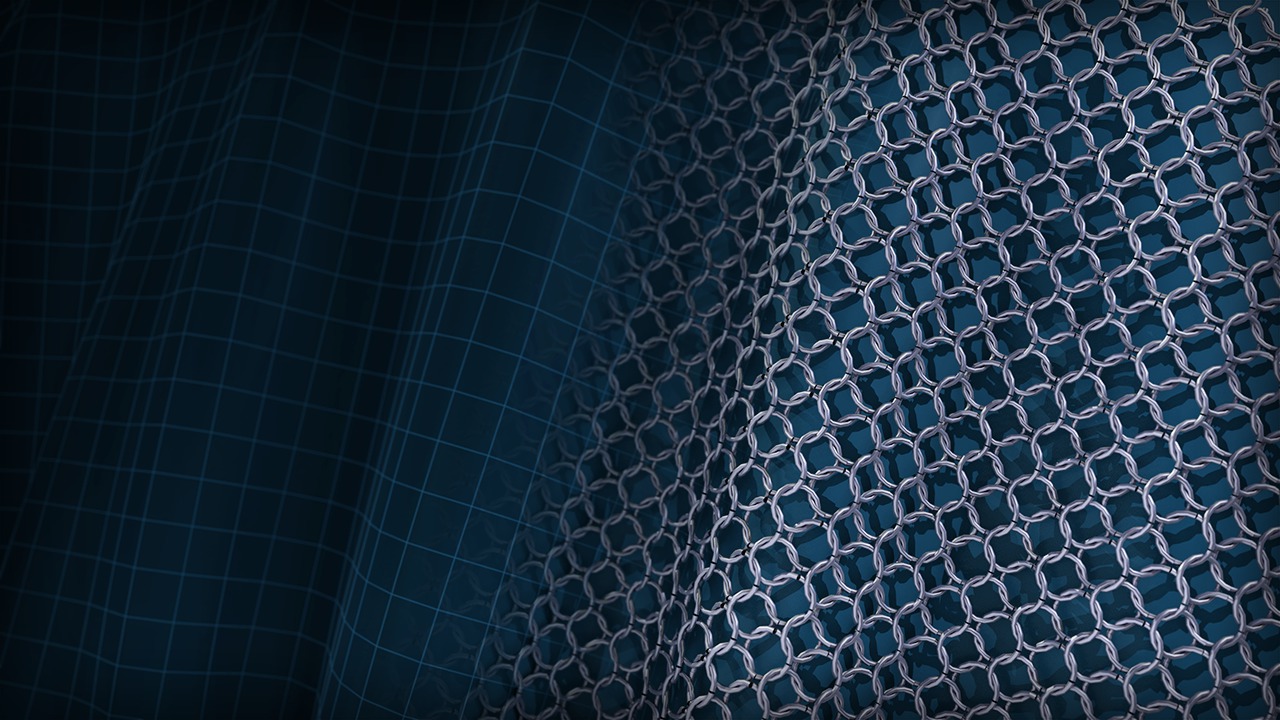
In this course, we'll talk about the basics of MicroMesh and how it can replace individual polygons with another polygon mesh at render time. Software required: ZBrush 4R5.
Intermediate
- Course
MicroMesh Techniques in ZBrush
In this course, we'll talk about the basics of MicroMesh and how it can replace individual polygons with another polygon mesh at render time. Software required: ZBrush 4R5.
Intermediate
Get started today
Access this course and other top-rated tech content with one of our business plans.
Try this course for free
Access this course and other top-rated tech content with one of our individual plans.
This course is included in the libraries shown below:
- Core Tech
What you'll learn
ZBrush is a fantastic application for creating and detailing geometry. There are a ton of great features and tools and MicroMesh is one of them. We'll start out by talking about the basics of MicroMesh and how it can replace individual polygons with another polygon mesh at render time. We'll also discuss the conversion into actual geometry and how to better control the orientation of the mesh using Spin and Align. We'll also talk about methods for defining the area to be replaced and how to take advantage of the shape of your polygons. We'll cover the creation of mesh sections that can be seamlessly tiled using MicroMesh and how to use MicroMesh and FiberMesh in conjunction. Software required: ZBrush 4R5.
MicroMesh Techniques in ZBrush
Intermediate
Table of contents



Justin thrives as a lead modeling author at Pluralsight. Growing up, Justin found a deep interest for the computer graphics industry after watching movies like Jurassic Park, Toy Story and The Abyss. His ambition would lead him to work at Sony Imageworks in Los Angeles on movies like Monster House and Surf's Up. Justin has also had numerous articles, tutorials and images published in 3D World and 3D Artist.
