
- Course
Creating and Printing Project Plans Using Microsoft Project
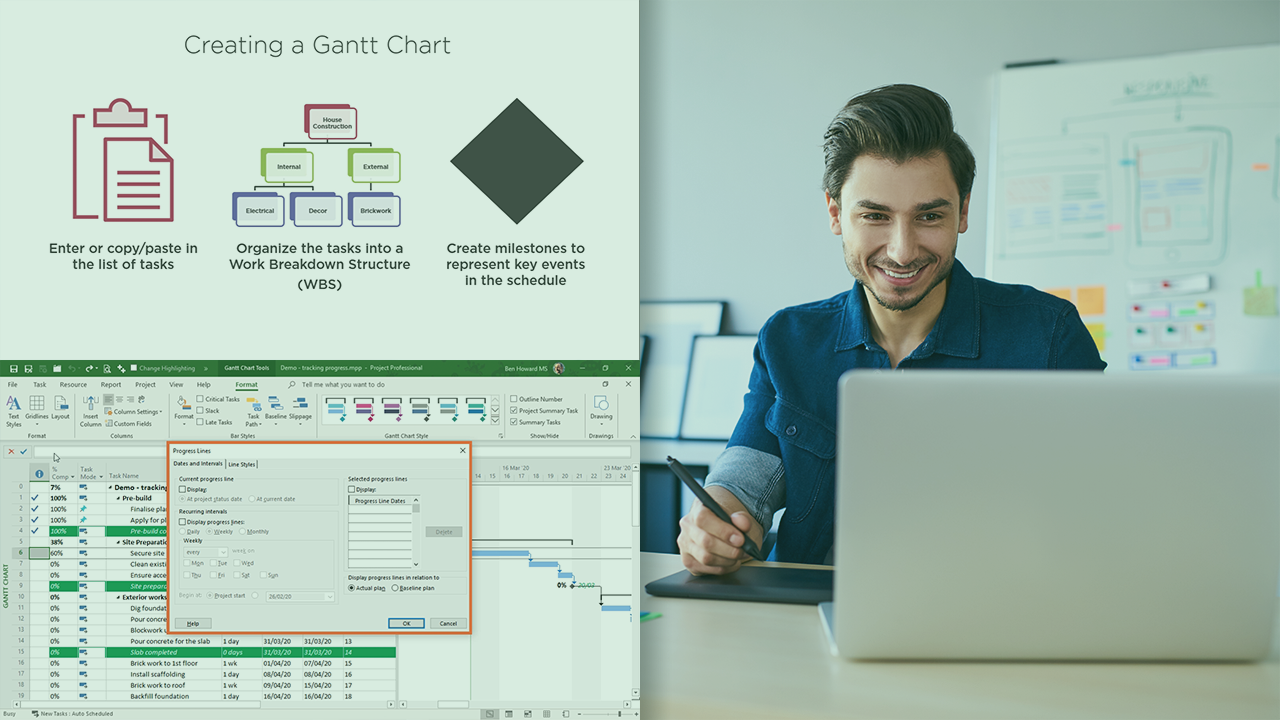
This course starts from scratch, and takes you through how to create, print and track your project plans using Microsoft Project. You'll be able to create your own gantt charts, customize how they look for printing, and track progress on them.
Beginner
- Course
Creating and Printing Project Plans Using Microsoft Project
This course starts from scratch, and takes you through how to create, print and track your project plans using Microsoft Project. You'll be able to create your own gantt charts, customize how they look for printing, and track progress on them.
Beginner
Get started today
Access this course and other top-rated tech content with one of our business plans.
Try this course for free
Access this course and other top-rated tech content with one of our individual plans.
This course is included in the libraries shown below:
- Core Tech
What you'll learn
Microsoft allows a one stop shop for creating, tracking, and printing projects plans utilizing Microsoft Project. In this course, Creating and Printing Project Plans using Microsoft Project, you will learn the skills required to build, communicate and track your project plan. First, you will learn create a defensible project schedule. Next, you will discover how to customize the gantt chart and print it off for stakeholder review. Finally, you will explore how to update the project plan and show which tasks are late. When you’re finished this course, you will have the skills and knowledge to use Microsoft Project to manage your plans using successfully.
Creating and Printing Project Plans Using Microsoft Project
Beginner



Ben is a Power BI & Data Specialist with a healthy interest in Microsoft Project with over 30 years of customer and implementation experience. He has been a Microsoft MVP for 13 years, is a frequent speaker at several European conferences, and blogs and creates videos on a semi-regular basis.
