
- Course
Modeling an Interior Scene from Photo Reference in 3ds Max
Throughout these 3ds Max tutorials, we'll learn how to recreate an environment in 3ds Max based on the single photo reference. Software required: 3ds Max 2014, V-Ray, Photoshop CS6, Lightroom 5.5.
Advanced
- Course
Modeling an Interior Scene from Photo Reference in 3ds Max
Throughout these 3ds Max tutorials, we'll learn how to recreate an environment in 3ds Max based on the single photo reference. Software required: 3ds Max 2014, V-Ray, Photoshop CS6, Lightroom 5.5.
Advanced
Get started today
Access this course and other top-rated tech content with one of our business plans.
Try this course for free
Access this course and other top-rated tech content with one of our individual plans.
This course is included in the libraries shown below:
- Core Tech
What you'll learn
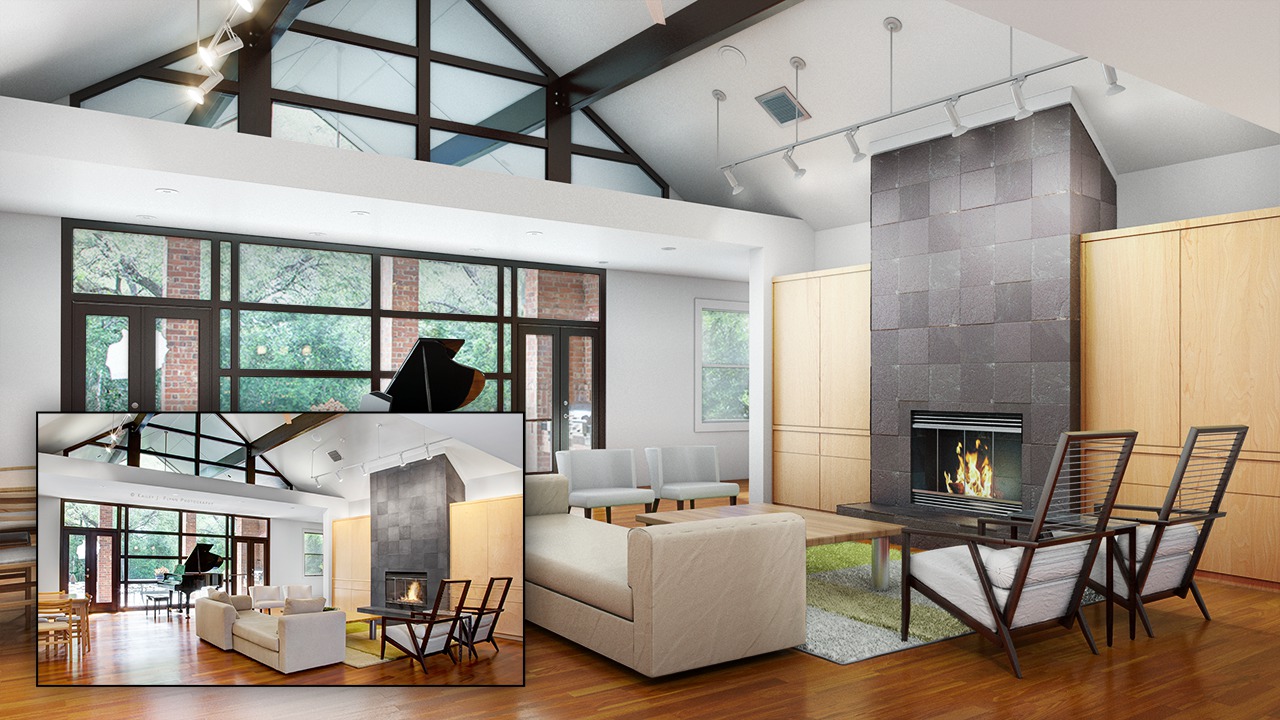
Throughout these 3ds Max tutorials, we'll learn how to recreate an environment in 3ds Max based on the single photo reference. The key points we'll focus on in this course will mainly be specific to modeling techniques, which can be used to create any kind of environment. Mostly modeling work in exterior or interior design projects, are based on plans and photo references. So when you are in need of unique furniture models, correct dimensions in a scene, or you would like to add your models to a photo, it may be a problem at first, but we'll focus on discussing many tips and tricks to solve the issue. By the end of this 3ds Max training, you'll be able to expertly model a scene in 3ds Max from photo reference. Software required: 3ds Max 2014, V-Ray, Photoshop CS6, Lightroom 5.5.
Modeling an Interior Scene from Photo Reference in 3ds Max
Advanced
Table of contents
