
- Course
Creating Organic Forms Using Adaptive Modeling Techniques in Revit
In this series of tutorials we'll learn how use adaptive modeling techniques to create intelligent and flexible models in Revit. Software required: Revit 2014.
Beginner
- Course
Creating Organic Forms Using Adaptive Modeling Techniques in Revit
In this series of tutorials we'll learn how use adaptive modeling techniques to create intelligent and flexible models in Revit. Software required: Revit 2014.
Beginner
Get started today
Access this course and other top-rated tech content with one of our business plans.
Try this course for free
Access this course and other top-rated tech content with one of our individual plans.
This course is included in the libraries shown below:
- Core Tech
What you'll learn
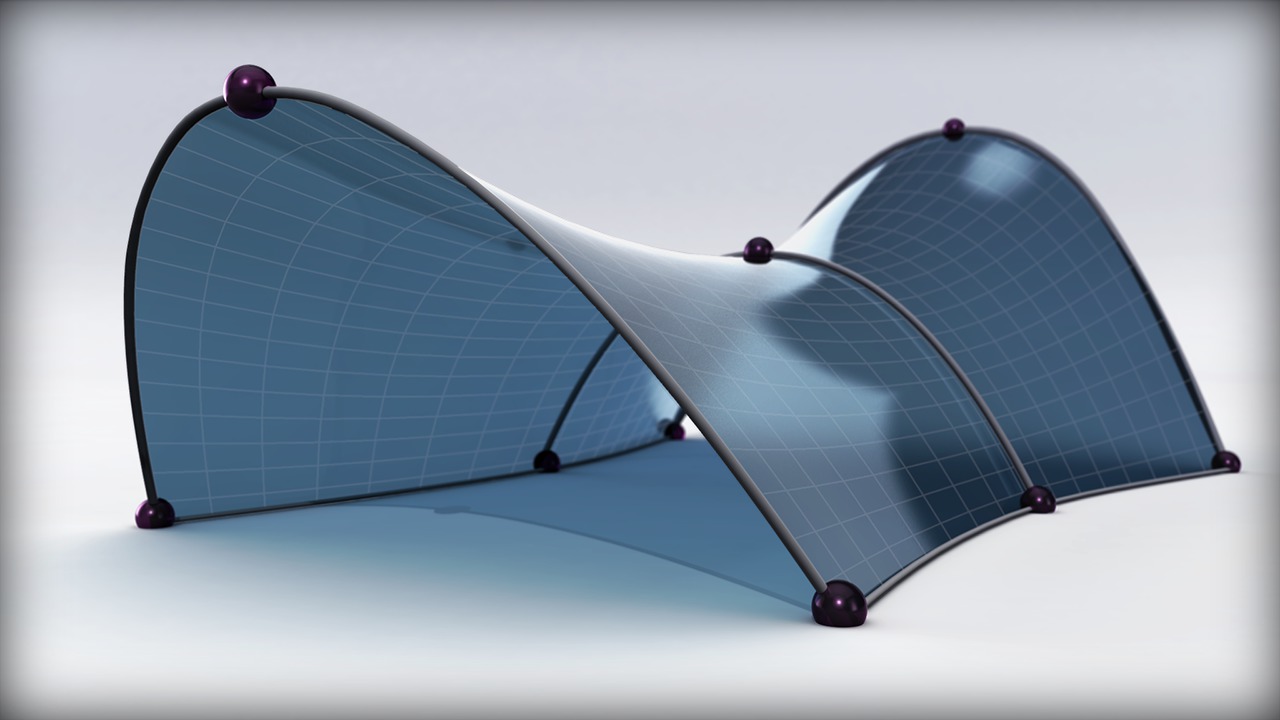
In this series of tutorials we'll learn how use adaptive modeling techniques to create intelligent and flexible models in Revit. We'll begin by working in the conceptual massing environment where we'll use reference lines, planes and parameters to create a form and surface. Once the basic form is in place we'll then divide the surface and enable nodes. Next, we'll switch to the generic adaptive modeling environment where we'll create a flexible structural member using reference planes and points that we'll make adaptive. From there we'll load the adaptive component into our massing environment and attach it to each node point located along our mesh.With these tips and techniques you'll be able to use your imagination and modeling tools to create unique and complex forms in Revit. Software required: Revit 2014.
Creating Organic Forms Using Adaptive Modeling Techniques in Revit
Beginner
Table of contents
