
- Course
Creating a Parametric Multi-Bodied CAD Model in SolidWorks
Throughout these lessons, we'll learn all about SolidWorks' logic for parametric modeling. Software required: SolidWorks 2014.
Advanced
- Course
Creating a Parametric Multi-Bodied CAD Model in SolidWorks
Throughout these lessons, we'll learn all about SolidWorks' logic for parametric modeling. Software required: SolidWorks 2014.
Advanced
Get started today
Access this course and other top-rated tech content with one of our business plans.
Try this course for free
Access this course and other top-rated tech content with one of our individual plans.
This course is included in the libraries shown below:
- Core Tech
What you'll learn
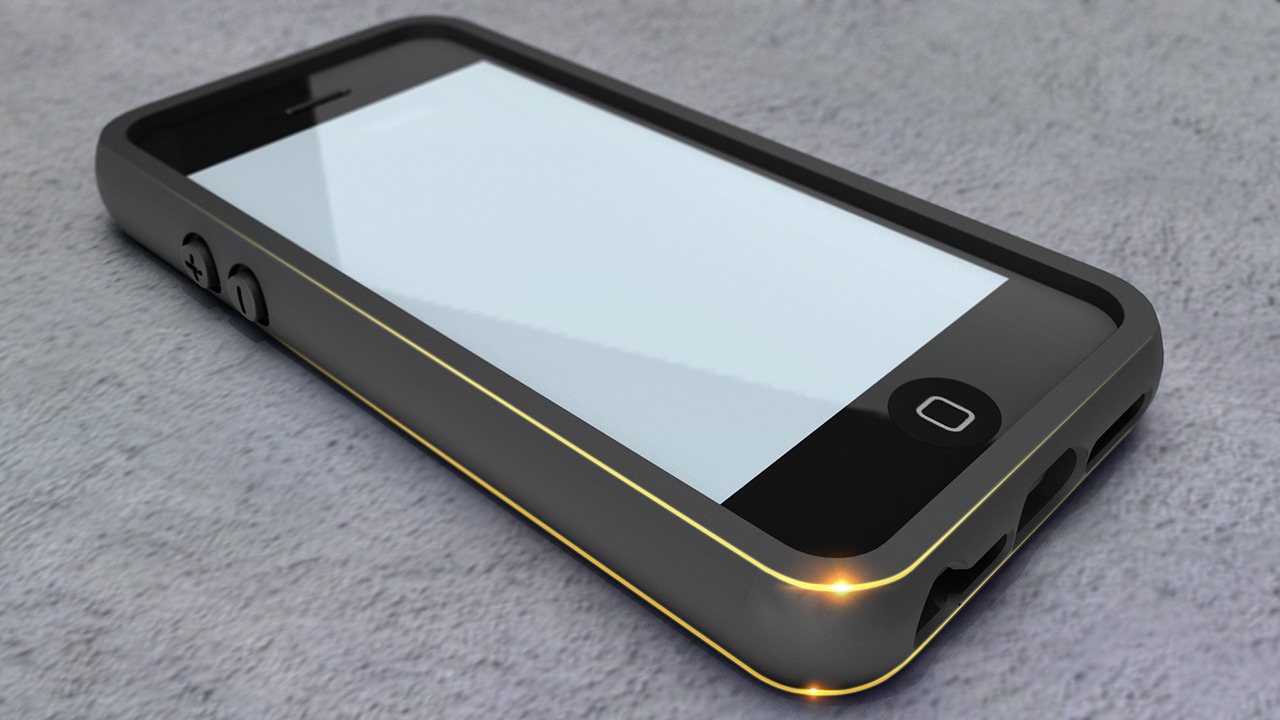
Throughout these lessons, we'll learn all about SolidWorks' logic for parametric modeling. We'll talk about how to create a robust model to allow for downstream adjustments and how to use assemblies to drive geometry and create reference/base parts. Next, we'll discuss the difference between additive and subtractive modeling and where each are appropriate. Lastly we'll learn how to create multipart bodies that are seamlessly aligned as would be needed in co-molded plastic manufacturing. By the end of this tutorial, you'll have learned how to effectively create a parametric multi-body CAD model in SolidWorks. Software required: SolidWorks 2014.
Creating a Parametric Multi-Bodied CAD Model in SolidWorks
Advanced
Table of contents
