
- Course
Quick Start to Animation in Maya: Volume 1
In this initial volume, we'll cover the basics of getting started with the animation tools in Maya.
Beginner
- Course
Quick Start to Animation in Maya: Volume 1
In this initial volume, we'll cover the basics of getting started with the animation tools in Maya.
Beginner
Get started today
Access this course and other top-rated tech content with one of our business plans.
Try this course for free
Access this course and other top-rated tech content with one of our individual plans.
This course is included in the libraries shown below:
- Core Tech
What you'll learn
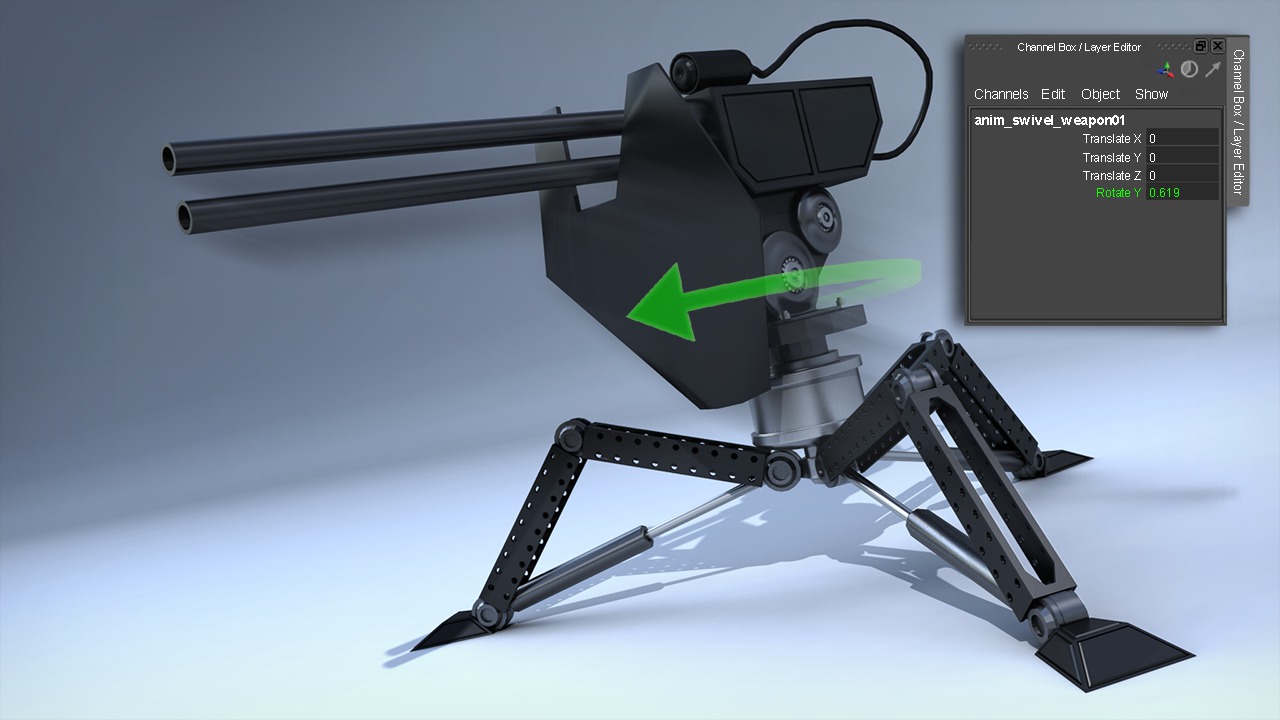
Welcome to the Quick Start to Animation in Maya. We'll go through Maya's Animation Tools in a very methodical way, making sure to cover the tools and techniques that are most important in enabling you to get up and running quickly. In this initial volume, we'll cover the basics of getting started with the animation tools in Maya. We'll learn how to set our animation preferences and create keyframes. We'll learn about Maya's Dope Sheet, which is used to retime animation. We'll also jump into the Graph Editor, and learn how it can be used to polish and cycle animation in Maya. To conclude the training, we'll learn how to view our work in real-time with Playblasts. While building a project together, you'll be provided with valuable knowledge, and the real power comes from being able to take the techniques you've learned and apply them in a different way to your own work.
Quick Start to Animation in Maya: Volume 1
Beginner
Table of contents
