
- Course
Applying Reverse Engineering Techniques in ZBrush and Rhino
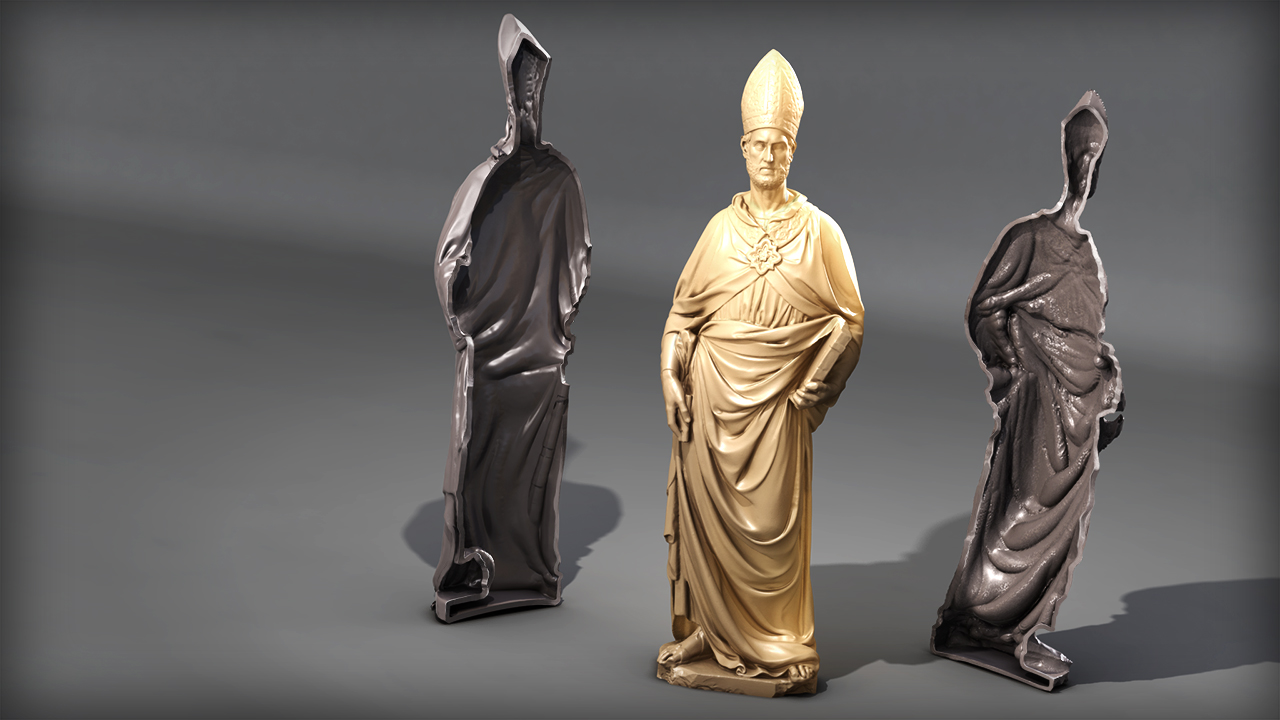
In this series of ZBrush and Rhino tutorials, we'll learn to reverse engineer a 3D scanned mesh and convert it to a sculptable mesh. Software required: ZBrush 4R6, Rhino 5, Geomagic Studio 2012.
Advanced
- Course
Applying Reverse Engineering Techniques in ZBrush and Rhino
In this series of ZBrush and Rhino tutorials, we'll learn to reverse engineer a 3D scanned mesh and convert it to a sculptable mesh. Software required: ZBrush 4R6, Rhino 5, Geomagic Studio 2012.
Advanced
Get started today
Access this course and other top-rated tech content with one of our business plans.
Try this course for free
Access this course and other top-rated tech content with one of our individual plans.
This course is included in the libraries shown below:
- Core Tech
What you'll learn
In this series of ZBrush and Rhino tutorials, we'll learn to reverse engineer a 3D scanned mesh and convert it to a sculptable mesh. You'll learn to import the data into Rhino, convert it to a NURB model, and prepare it for rapid prototyping. By the end of this ZBrush and Rhino tutorial, you'll be able to use these industry techniques in Rhino and ZBrush as part of your modeling pipeline. Software required: ZBrush 4R6, Rhino 5, Geomagic Studio 2012.
Applying Reverse Engineering Techniques in ZBrush and Rhino
Advanced
Table of contents
