
- Course
Rotoscoping Techniques in NUKE
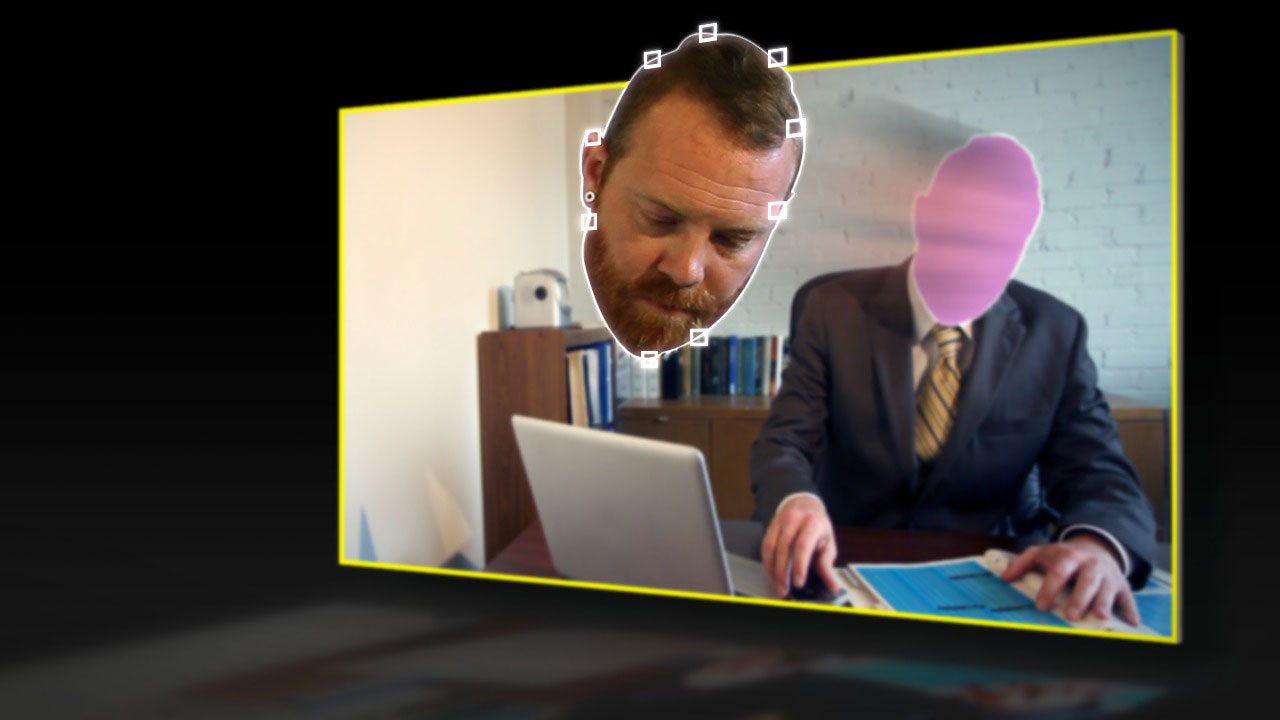
In this series of tutorials we'll learn how to use tracker and roto nodes in NUKE to quickly create a solid matte. Software required: NUKE 6.3v6.
Intermediate
- Course
Rotoscoping Techniques in NUKE
In this series of tutorials we'll learn how to use tracker and roto nodes in NUKE to quickly create a solid matte. Software required: NUKE 6.3v6.
Intermediate
Get started today
Access this course and other top-rated tech content with one of our business plans.
Try this course for free
Access this course and other top-rated tech content with one of our individual plans.
This course is included in the libraries shown below:
- Core Tech
What you'll learn
In this series of tutorials we'll learn how to use tracker and roto nodes in NUKE to quickly create a solid matte. By using each node for their specific strength, we'll be able to achieve production-quality results much faster than using just hand keying. We'll begin this project by learning the basics of using trackers to speed up the rotoscoping process by removing camera jitter, translation, rotation, and scaling. We'll then dive into our main project where we will use a combination of trackers, roto nodes, and animation to create a clean mask for our foreground actor's face and hand. We'll learn many techniques to speed up our rotoscoping workflow and how we can use animation principles to create solid movement. Software required: NUKE 6.3v6.
Rotoscoping Techniques in NUKE
Intermediate
Table of contents
