
- Course
Scene Build-up Using Cloners and Xpresso in CINEMA 4D
In this series of lessons, we're going to use CINEMA 4D to quickly build up and tear down a scene. Software required: CINEMA 4D 11.5.
Intermediate
- Course
Scene Build-up Using Cloners and Xpresso in CINEMA 4D
In this series of lessons, we're going to use CINEMA 4D to quickly build up and tear down a scene. Software required: CINEMA 4D 11.5.
Intermediate
Get started today
Access this course and other top-rated tech content with one of our business plans.
Try this course for free
Access this course and other top-rated tech content with one of our individual plans.
This course is included in the libraries shown below:
- Core Tech
What you'll learn
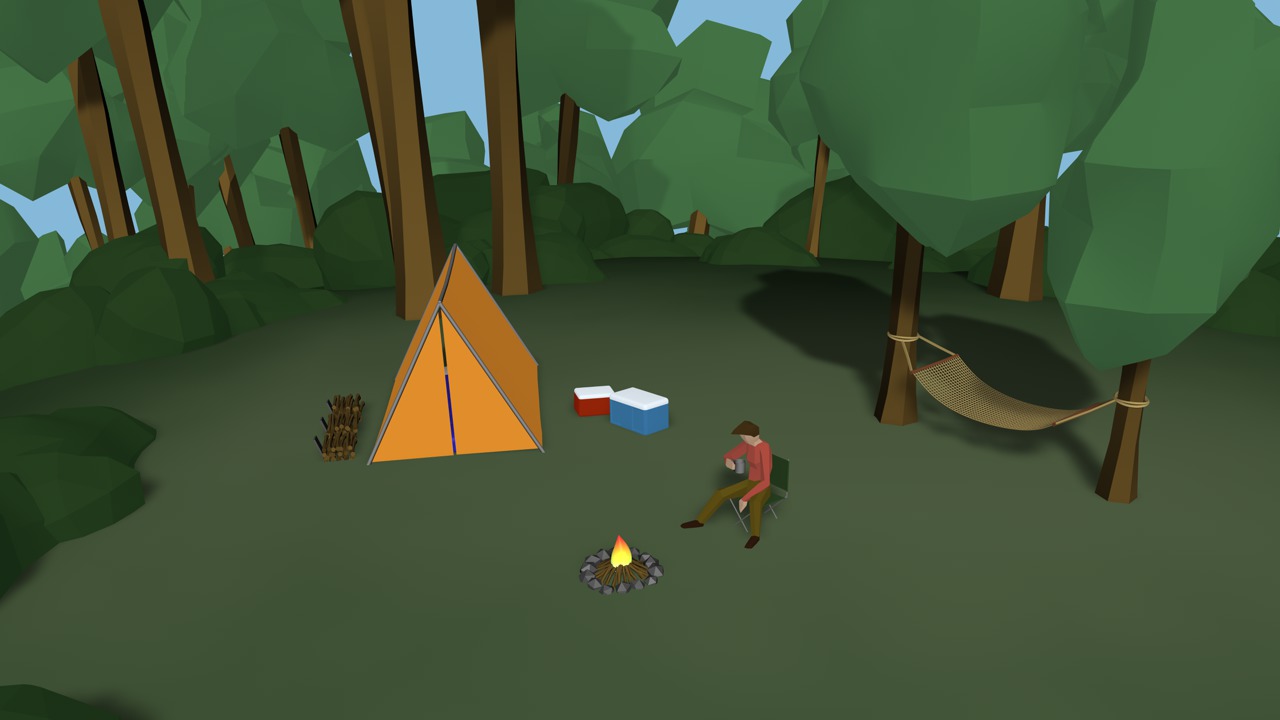
In this series of lessons, we're going to use CINEMA 4D to quickly build up and tear down a scene. One popular technique in graphics today that you'll see in many commercials, is to quickly build up or remove objects within a scene in interesting ways. It may be a house building itself from the ground up or a car coming apart. CINEMA 4D offers a great deal of control in creating setups like this, especially when working with Mograph and XPresso. We'll start by building most of the geometry we'll need for our scene, a simple camp site. We'll use Cloner Objects and other methods to build geometry so that we'll have the maximum amount of control. We'll take a look at adding custom controls and using XPresso to set up those controls to drive different attributes of our objects. Finally, we'll key frame our new consolidated controls to create a fun animated piece. Once you're done, you'll be able set up and control your own custom scenes. Software required: CINEMA 4D 11.5.
Scene Build-up Using Cloners and Xpresso in CINEMA 4D
Intermediate
Table of contents



Justin thrives as a lead modeling author at Pluralsight. Growing up, Justin found a deep interest for the computer graphics industry after watching movies like Jurassic Park, Toy Story and The Abyss. His ambition would lead him to work at Sony Imageworks in Los Angeles on movies like Monster House and Surf's Up. Justin has also had numerous articles, tutorials and images published in 3D World and 3D Artist.
