
- Course
SOLIDWORKS Simulation - Troubleshooting Common Errors
In this course you'll be provided with the knowledge required to troubleshoot most common errors seen by new users in the static study add-in. Also, you'll be given the ideas to remove singularities if applicable. Software required: SOLIDWORKS 2016.
Intermediate
- Course
SOLIDWORKS Simulation - Troubleshooting Common Errors
In this course you'll be provided with the knowledge required to troubleshoot most common errors seen by new users in the static study add-in. Also, you'll be given the ideas to remove singularities if applicable. Software required: SOLIDWORKS 2016.
Intermediate
Get started today
Access this course and other top-rated tech content with one of our business plans.
Try this course for free
Access this course and other top-rated tech content with one of our individual plans.
This course is included in the libraries shown below:
- Core Tech
What you'll learn
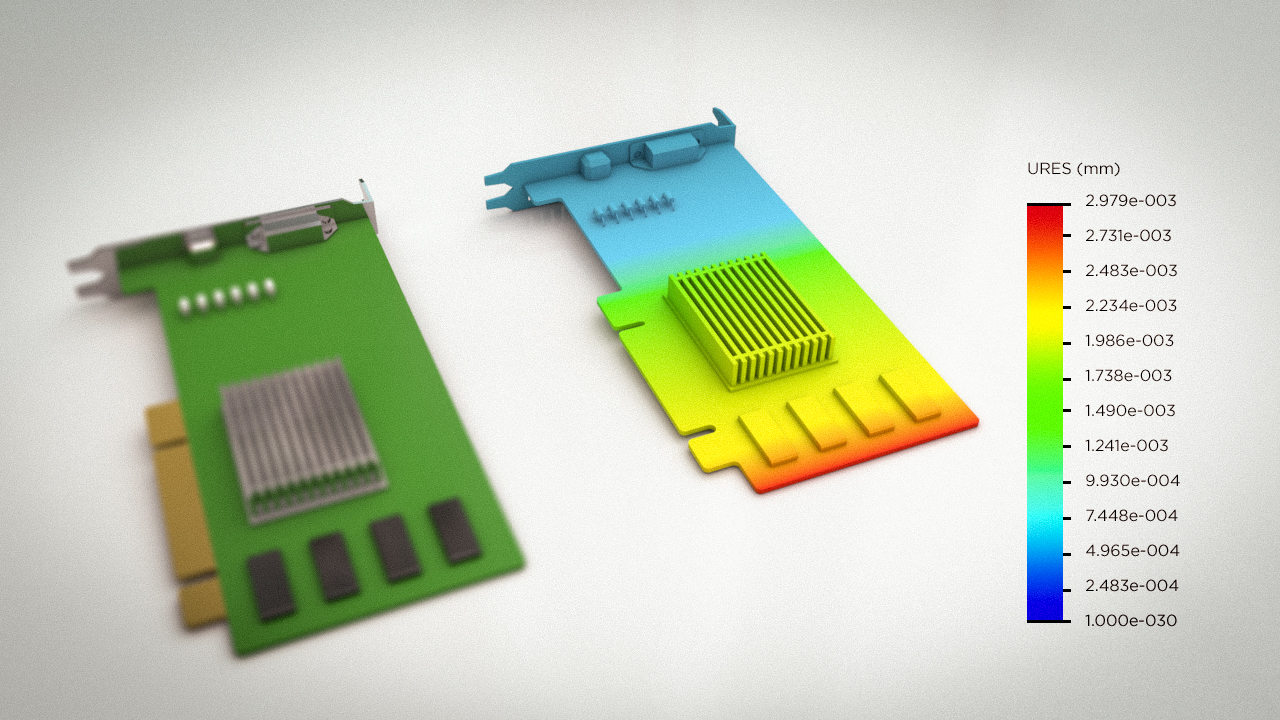
Designers and engineers primarily use structural simulation to determine the strength and stiffness of a product by reporting component stress and deformations. In this course, SOLIDWORKS Simulation - Troubleshooting Common Errors, you'll learn how to modify geometry and learn techniques to prevent mesh failures, and to prevent other failures associated with mesh size. First, you'll learn about fixing broken faces due to bad imports. Next, you'll learn about mesh failures and about solver instability warnings. Then, you'll learn about result accuracy questions and will learn about idealization errors. Finally, you'll learn how to troubleshoot if your study will not completely solve, and how to trust and prove your conclusions numerically. By the end of this course, you'll know how to prepare your model for simulation, modify it or the simulation if mesh failures occur. Software required: SOLIDWORKS 2016.
SOLIDWORKS Simulation - Troubleshooting Common Errors
Intermediate
Table of contents
