
- Course
Creating Sprite Sheets in Flash for Edge Animate
In this series of tutorials, we'll be creating an animation in Flash and generating a spritesheet for use in Edge Animate. Software required: Flash CC 2014, Edge Animate CC 2014.
Beginner
- Course
Creating Sprite Sheets in Flash for Edge Animate
In this series of tutorials, we'll be creating an animation in Flash and generating a spritesheet for use in Edge Animate. Software required: Flash CC 2014, Edge Animate CC 2014.
Beginner
Get started today
Access this course and other top-rated tech content with one of our business plans.
Try this course for free
Access this course and other top-rated tech content with one of our individual plans.
This course is included in the libraries shown below:
- Core Tech
What you'll learn
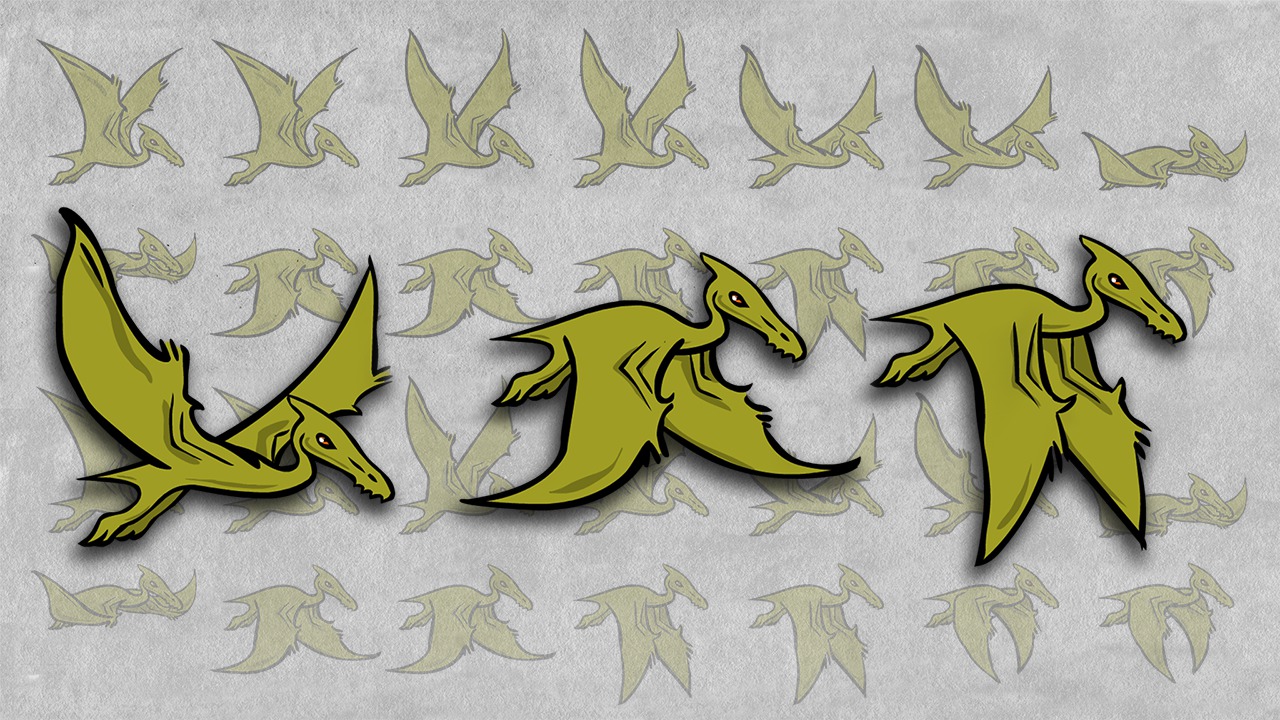
In this series of tutorials, we'll be creating an animation in Flash and generating a spritesheet for use in Edge Animate. We will start by referencing our loose sketches we made of a pterodactyl flying. We'll bring our sketches into Flash and begin using the great drawing tools to create the line work for our animation. We'll then add color to our project using the brush and paint bucket to easily fill unpainted areas. We'll finish by generating a sprite sheet from Flash and then import it into Edge Animate to create a scene we can view on the web. By the end of this tutorial, you'll know how to create your own animations in Flash and what steps you'll take to generate an optimized spritesheet. You'll also know how to easily import a spritesheet into Edge Animate and utilize the EAS data to save time in your workflow. Software required: Flash CC 2014, Edge Animate CC 2014.
Creating Sprite Sheets in Flash for Edge Animate
Beginner
Table of contents
