
- Course
Transferring Animation with MEL
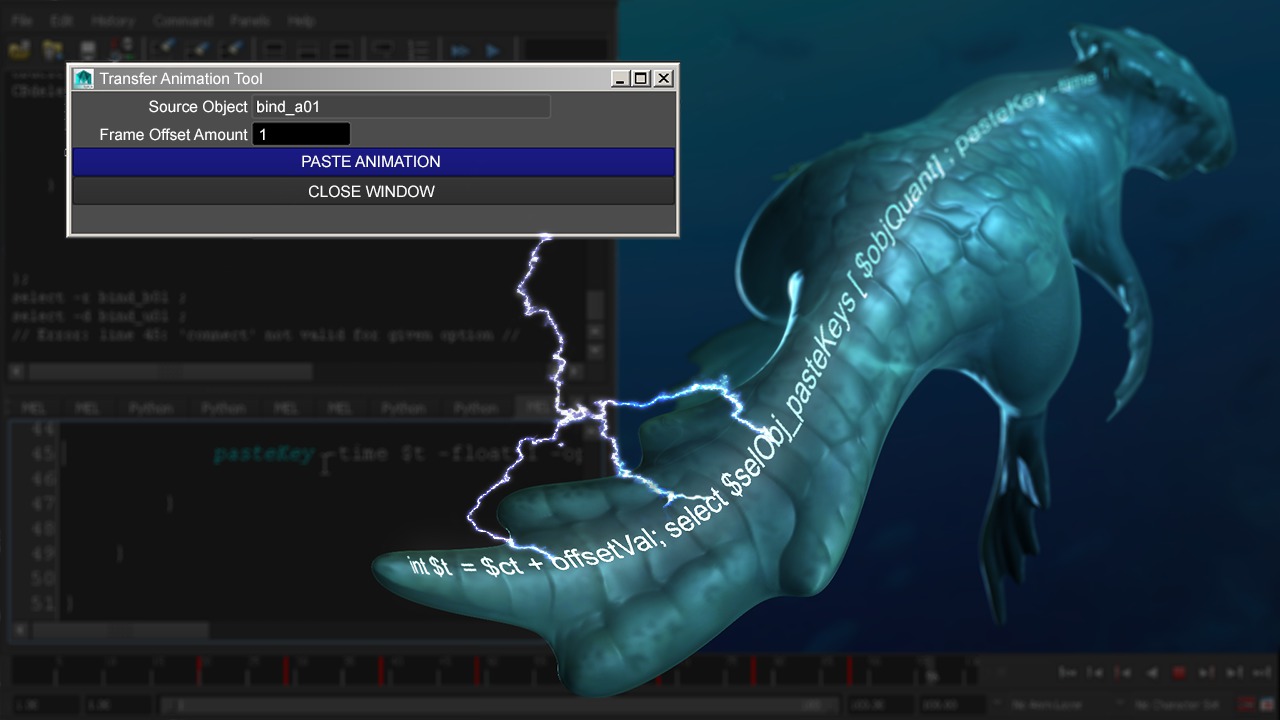
In this Maya tutorial, we'll learn how to create a tool that lets us transfer animation to selected objects, all with the help of MEL. Software required: Autodesk Maya 2015.
Intermediate
- Course
Transferring Animation with MEL
In this Maya tutorial, we'll learn how to create a tool that lets us transfer animation to selected objects, all with the help of MEL. Software required: Autodesk Maya 2015.
Intermediate
Get started today
Access this course and other top-rated tech content with one of our business plans.
Try this course for free
Access this course and other top-rated tech content with one of our individual plans.
This course is included in the libraries shown below:
- Core Tech
What you'll learn
In this Maya tutorial, we'll learn how to create a tool that lets us transfer animation to selected objects, all with the help of MEL. We'll start by creating a user-friendly UI. We'll then learn how to copy all keyframes from whatever object we choose to source. At that point, we'll not only learn how to paste animation to selected objects, but more importantly, we'll make sure that our tool can paste with an offset for instant follow-through and overlap. We'll even take it a step further and learn how to enhance our code to randomize the timing of the objects that will receive these keyframes! By the end of this Maya training, you'll learn how to create your own animation transferring utility, in order to help you save time when animating objects in Maya. Software required: Autodesk Maya 2015.
Transferring Animation with MEL
Intermediate
Table of contents
