
- Course
Unity Mobile Game Development: Environment Modeling
In this series of tutorials, we will talk about some of the steps that we went through in order to build the subway level for our Unity mobile game project. Software required: Maya 2012.
Advanced
- Course
Unity Mobile Game Development: Environment Modeling
In this series of tutorials, we will talk about some of the steps that we went through in order to build the subway level for our Unity mobile game project. Software required: Maya 2012.
Advanced
Get started today
Access this course and other top-rated tech content with one of our business plans.
Try this course for free
Access this course and other top-rated tech content with one of our individual plans.
This course is included in the libraries shown below:
- Core Tech
What you'll learn
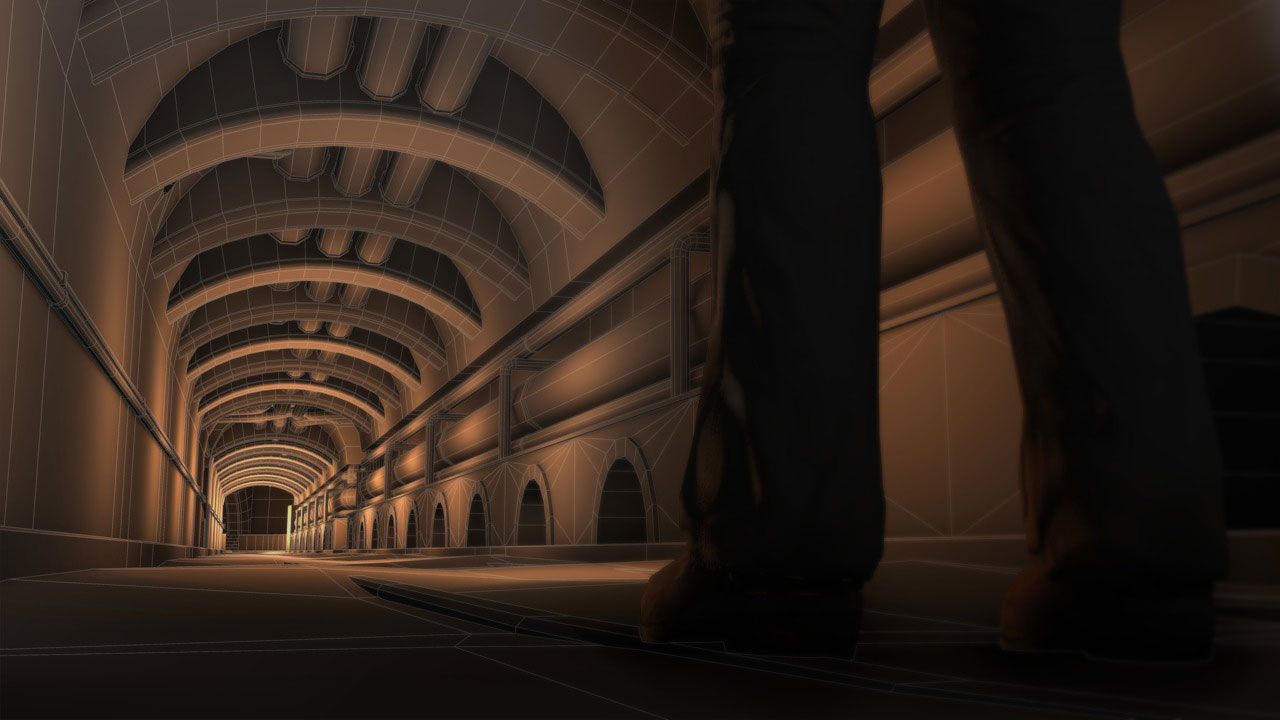
In this series of tutorials, we will talk about some of the steps that we went through in order to build the subway level for our Unity mobile game project. In this course, we will examine the process of creating the game level for our Unity mobile project. We will start by referencing our game document, which will give us a great deal of information, not only on the look of our models, but also on more technical aspects like geometry and texture resolutions. We'll talk about basic modeling techniques for creating the different parts of our game level, and we'll concentrate on creating portions of the level that can be seamlessly tiled. We'll go over how we can break down our reference art and where we can add unique details to break up the repeating geometry. We'll finish by talking about methods for making sure all of the pieces match up properly and are saved out for UV and texture work. This course goes over the process for creating our game level and the thoughts behind the decisions, but it is not a step-by-step modeling tutorial. If you'd like to get up to speed on modeling in Maya, I'd recommend the Introduction to Modeling in Maya, which goes over the tools we use here in greater detail. If you want a more step-by-step look at game-type environments in general, try Creating Low Resolution Environments in Maya and Photoshop. Software required: Maya 2012.
Unity Mobile Game Development: Environment Modeling
Advanced
Table of contents



Justin thrives as a lead modeling author at Pluralsight. Growing up, Justin found a deep interest for the computer graphics industry after watching movies like Jurassic Park, Toy Story and The Abyss. His ambition would lead him to work at Sony Imageworks in Los Angeles on movies like Monster House and Surf's Up. Justin has also had numerous articles, tutorials and images published in 3D World and 3D Artist.
