
- Course
Using Photoshop to Alter the Lighting of an Image
In this collection of lessons we will be focusing on creating a mood by drastically changing the lighting of an image. Software required: Photoshop CS5.
Intermediate
- Course
Using Photoshop to Alter the Lighting of an Image
In this collection of lessons we will be focusing on creating a mood by drastically changing the lighting of an image. Software required: Photoshop CS5.
Intermediate
Get started today
Access this course and other top-rated tech content with one of our business plans.
Try this course for free
Access this course and other top-rated tech content with one of our individual plans.
This course is included in the libraries shown below:
- Core Tech
What you'll learn
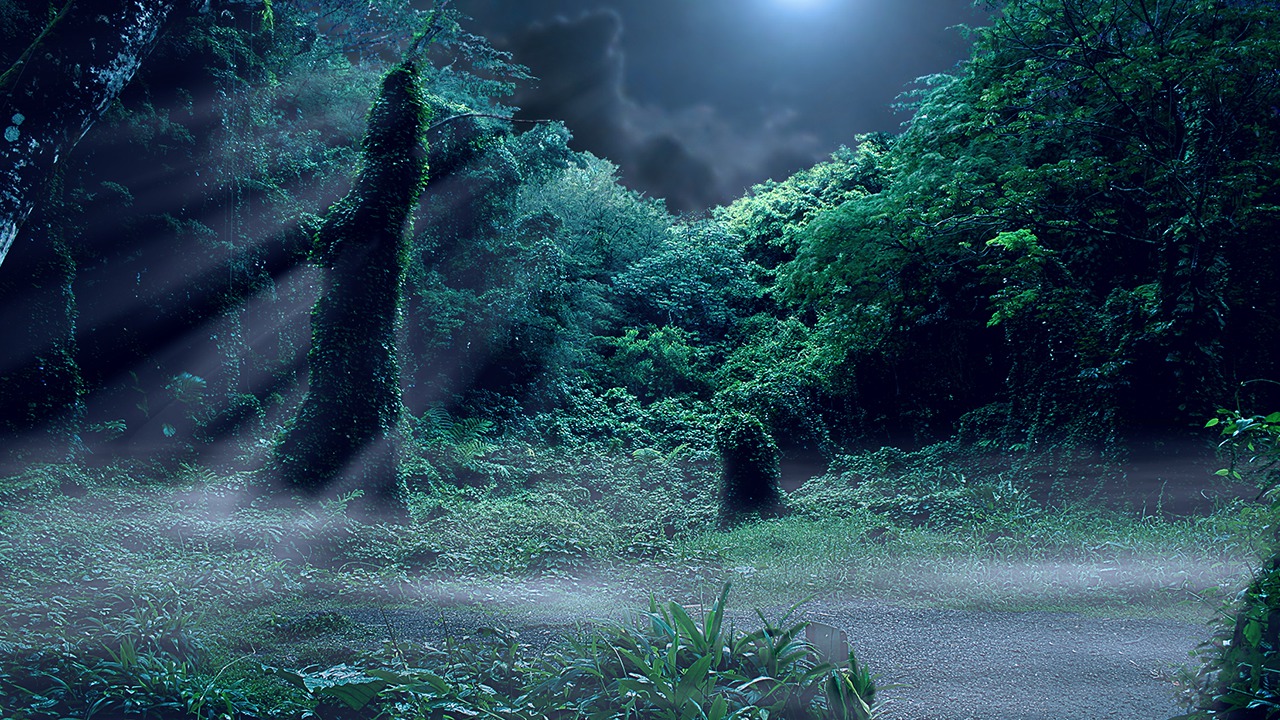
In this collection of lessons we will be focusing on creating a mood by drastically changing the lighting of an image. We will get started by learning how to remove some unwanted information from our image using the spot healing brush. From there we will begin the process of converting our daytime image into a night time image. During this process we make some major color corrections as well as completely replace the sky in our scene. Some of the techniques we will learn include creating a difficult mask, sharpening an image, and creating highlights where there previously were none. We will wrap things up by learning how to create some atmospheric elements for our scene in the form of low lying fog and rays of moonlight. As we will see, there are a lot of considerations when drastically changing the lighting for an image. Through this series of lessons we will address each of these challenges and present solutions to them for this specific image. Software required: Photoshop CS5.
Using Photoshop to Alter the Lighting of an Image
Intermediate
Table of contents



Eddie is a content producer for Unity as well as a seasoned shading, texturing, lighting and rendering artist. He takes pride in helping creative professionals reach their learning goals.
