
- Course
Working with Tables in InDesign
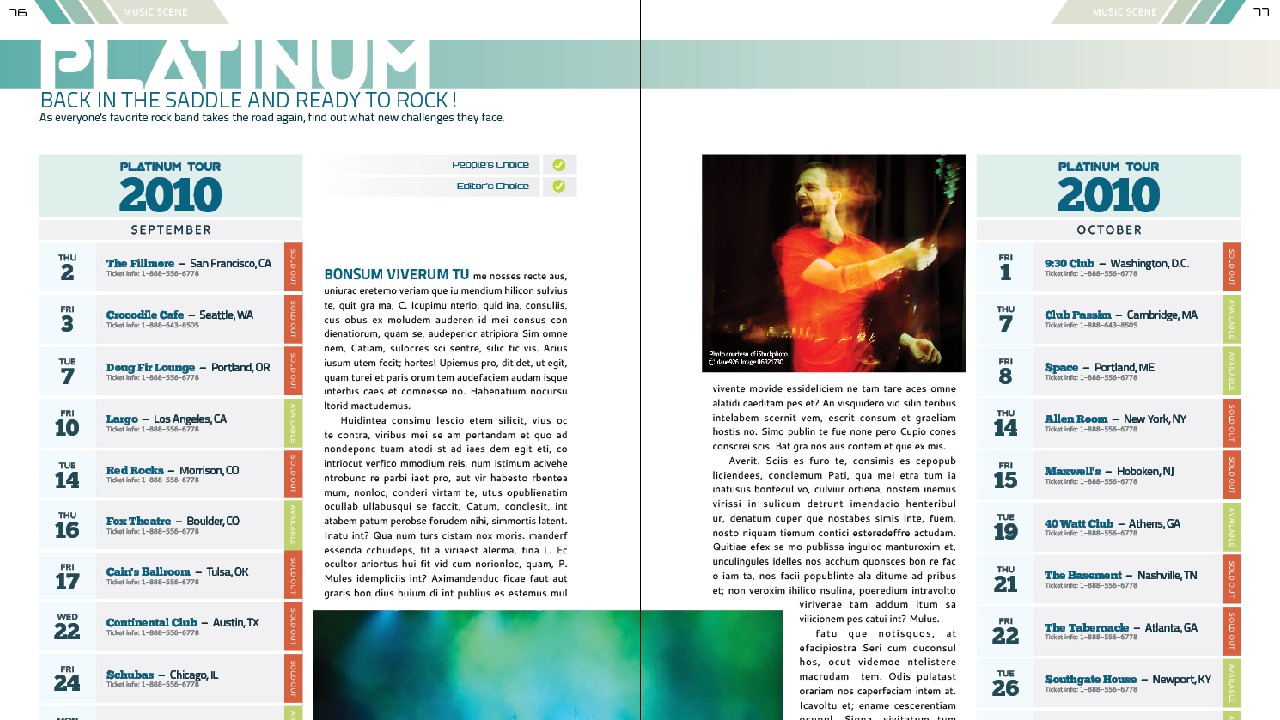
In this series of lessons, we'll focus on working with tables in InDesign. Software required: InDesign CS5, MS Word 2002 or higher, MS Excel 2002 or higher.
Intermediate
- Course
Working with Tables in InDesign
In this series of lessons, we'll focus on working with tables in InDesign. Software required: InDesign CS5, MS Word 2002 or higher, MS Excel 2002 or higher.
Intermediate
Get started today
Access this course and other top-rated tech content with one of our business plans.
Try this course for free
Access this course and other top-rated tech content with one of our individual plans.
This course is included in the libraries shown below:
- Core Tech
What you'll learn
In this series of lessons, we'll focus on working with tables in InDesign. We'll begin by breaking down the structure of a table and learning how to navigate and select its different parts. Next, we'll learn how to create a table both from scratch as well as from data created in Microsoft Word or Excel. From there, we'll learn about headers and footers and then move on to the different types of content we can place into a table. We'll wrap things up by learning how to edit the structure of a table and how to control both the stroke and fill attributes for various parts of the table. After going through this course, you'll have a good understanding of how to build and customize tables in InDesign. Software required: InDesign CS5, MS Word 2002 or higher, MS Excel 2002 or higher.
Working with Tables in InDesign
Intermediate
Table of contents



Eddie is a content producer for Unity as well as a seasoned shading, texturing, lighting and rendering artist. He takes pride in helping creative professionals reach their learning goals.
