
- Course
ZBrush and Mudbox Integration
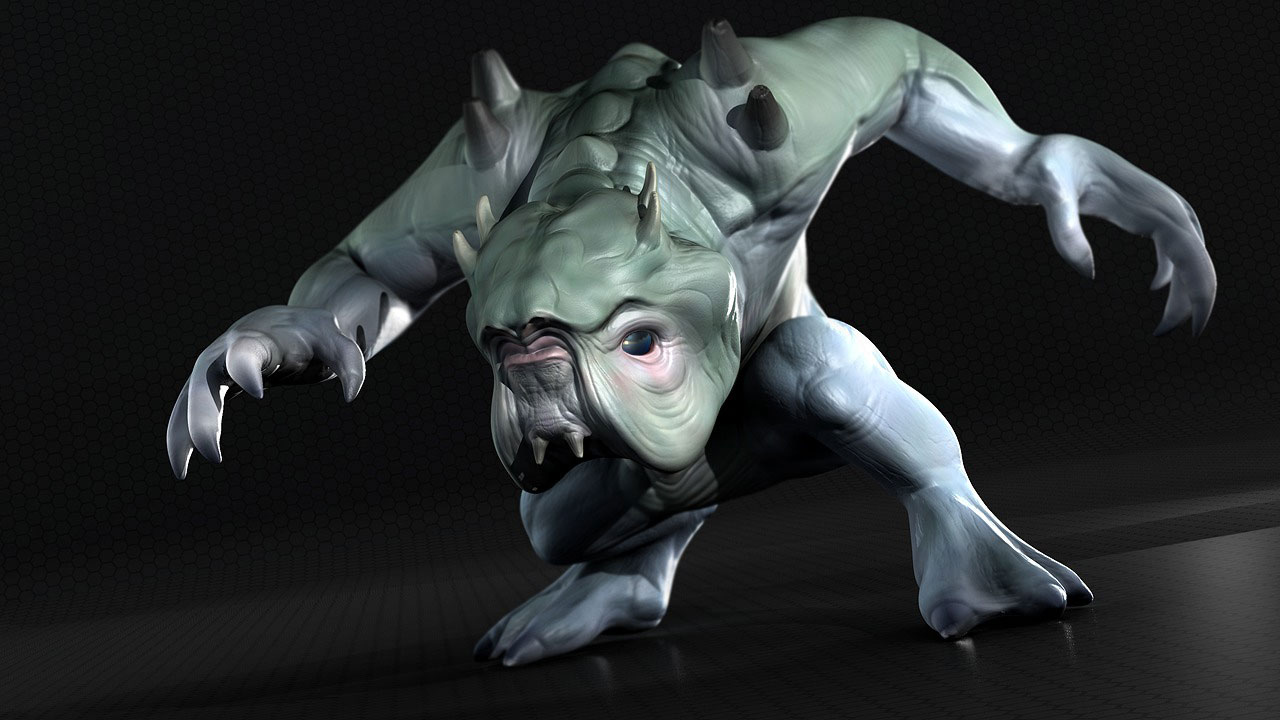
In this course, we will discuss methods for transferring ZBrush projects to Mudbox and Mudbox projects to ZBrush. Software required: ZBrush 4R3, Mudbox 2013, Maya 2012.
Intermediate
- Course
ZBrush and Mudbox Integration
In this course, we will discuss methods for transferring ZBrush projects to Mudbox and Mudbox projects to ZBrush. Software required: ZBrush 4R3, Mudbox 2013, Maya 2012.
Intermediate
Get started today
Access this course and other top-rated tech content with one of our business plans.
Try this course for free
Access this course and other top-rated tech content with one of our individual plans.
This course is included in the libraries shown below:
- Core Tech
What you'll learn
In this course, we will discuss methods for transferring ZBrush projects to Mudbox and Mudbox projects to ZBrush. ZBrush and Mudbox are both powerful sculpting and painting applications that can be found in pipelines across the industry. They each offer unique tools and workflows for creating very detailed models and textures. Depending on your application of choice, there may come a time when you need to transfer a project in progress to the other program. Perhaps a model is being passed on by a colleague who's been working in ZBrush or Mudbox, and you'd like to continue working on it in the other application. Or there may be tools or particular workflows you'd like to take advantage of by transferring your projects. This course goes over the process for rebuilding projects, complete with subdivision levels and textures, in ZBrush and Mudbox. We'll talk about different ways of transferring geometry and sculpted detail. We'll go over methods for transferring textures back and forth and discuss the recreation of layers in both applications. Whether you need to take a project from ZBrush to Mudbox, or from Mudbox to ZBrush, you'll have a much better idea of some of the issues involved and how you can make that transfer as smooth as possible. Software required: ZBrush 4R3, Mudbox 2013, Maya 2012.
ZBrush and Mudbox Integration
Intermediate
Table of contents



Justin thrives as a lead modeling author at Pluralsight. Growing up, Justin found a deep interest for the computer graphics industry after watching movies like Jurassic Park, Toy Story and The Abyss. His ambition would lead him to work at Sony Imageworks in Los Angeles on movies like Monster House and Surf's Up. Justin has also had numerous articles, tutorials and images published in 3D World and 3D Artist.
