
- Course
Creating Automotive Concepts in SketchBook Pro
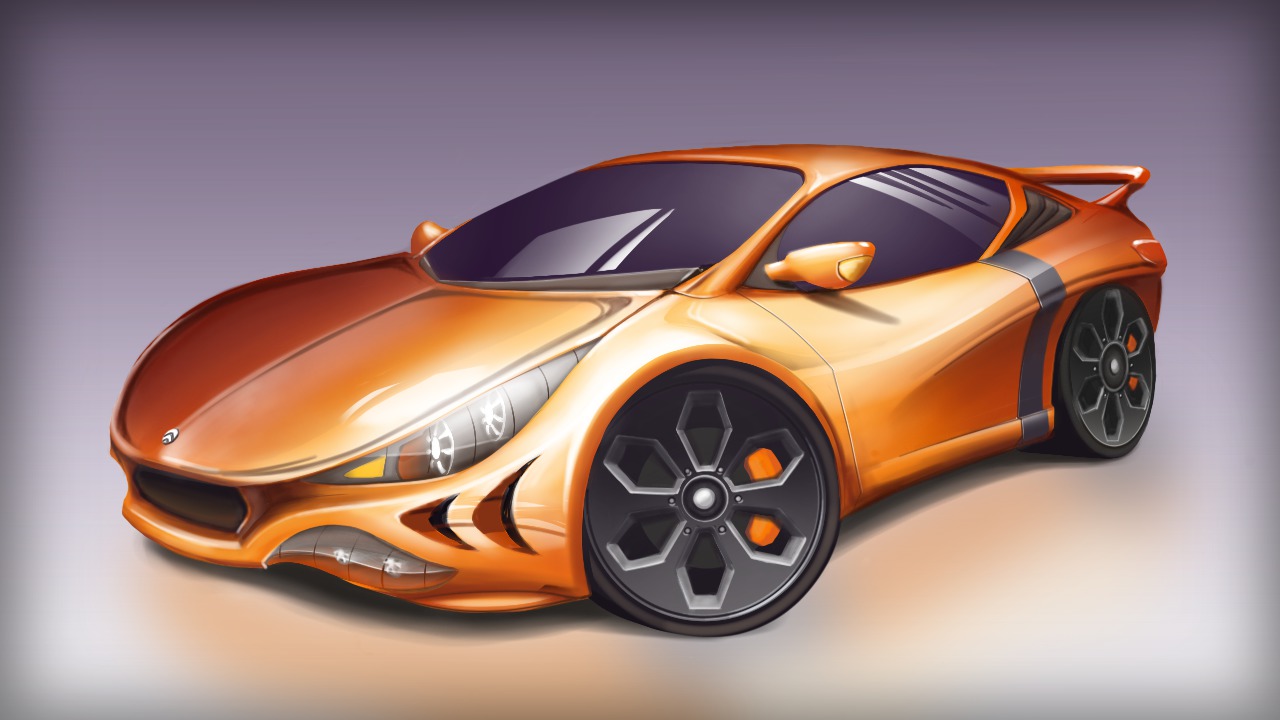
To begin this tutorial, we will learn about the tools and workflow one might use when creating a reference sketch for our automobile concept. Software required: SketchBook Pro 6.1.
Intermediate
- Course
Creating Automotive Concepts in SketchBook Pro
To begin this tutorial, we will learn about the tools and workflow one might use when creating a reference sketch for our automobile concept. Software required: SketchBook Pro 6.1.
Intermediate
Get started today
Access this course and other top-rated tech content with one of our business plans.
Try this course for free
Access this course and other top-rated tech content with one of our individual plans.
This course is included in the libraries shown below:
- Core Tech
What you'll learn
To begin this tutorial, we will learn about the tools and workflow one might use when creating a reference sketch for our automobile concept. By limiting ourselves to only a couple of brushes during the sketching phase, you will be able to get comfortable and build confidence while learning the sketching process. After our sketch is complete, we will begin applying color to the various parts of the car. We will start with flat color but eventually move into color variation. Because the surfaces of a concept car are for the most part highly reflective, we will spend a good bit of time painting both light and dark reflected values. As we methodically move through painting each area of the car, you will learn about a number of useful tools and techniques inside of SketchBook Pro, including how to utilize stroke styles and rulers to paint just the line or shape you need, and how we can utilize brush properties to modify a brush to perform exactly like a situation calls for. After completing this tutorial, you will have learned how SketchBook Pro can be used to paint quick and beautiful concept cars. Software required: SketchBook Pro 6.1.
Creating Automotive Concepts in SketchBook Pro
Intermediate
Table of contents



Eddie is a content producer for Unity as well as a seasoned shading, texturing, lighting and rendering artist. He takes pride in helping creative professionals reach their learning goals.
