
- Course
Getting Started with mocha for After Effects
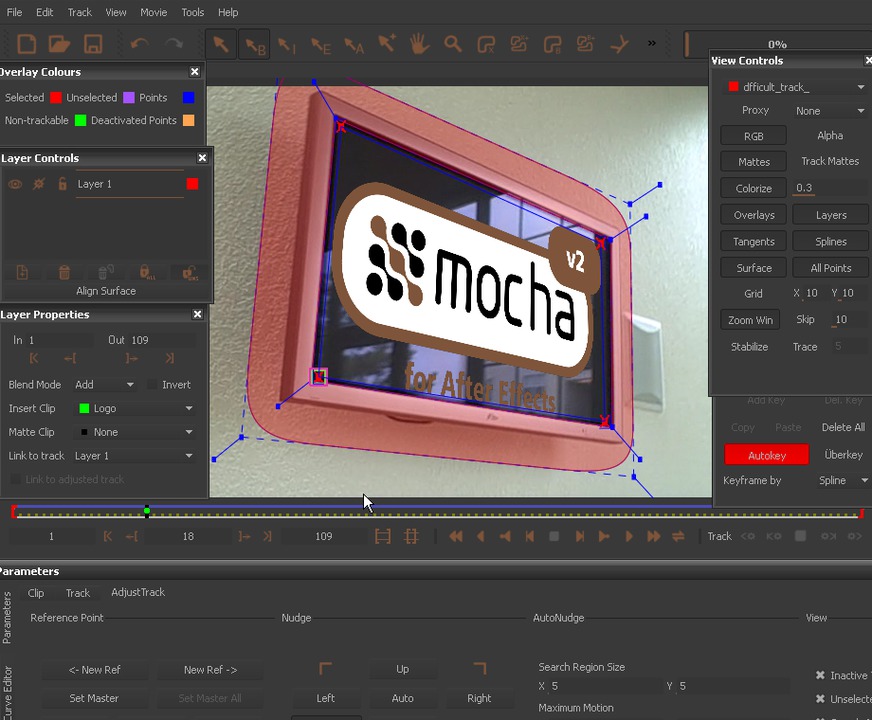
In this series of lessons we will learn how to use the mocha for After Effects application to track objects and use that tracking data inside After Effects. Software required: mocha and After Effects (Project Files created in mocha v2 and After Effects CS4).
Beginner
- Course
Getting Started with mocha for After Effects
In this series of lessons we will learn how to use the mocha for After Effects application to track objects and use that tracking data inside After Effects. Software required: mocha and After Effects (Project Files created in mocha v2 and After Effects CS4).
Beginner
Get started today
Access this course and other top-rated tech content with one of our business plans.
Try this course for free
Access this course and other top-rated tech content with one of our individual plans.
This course is included in the libraries shown below:
- Core Tech
What you'll learn
In this series of lessons we will learn how to use the mocha for After Effects application to track objects and use that tracking data inside After Effects. mocha for After Effects is bundled with After Effects versions CS4 and later, so you might already have access to this powerful planer tracker. We'll begin this project by creating a new project and learning the basics of the mocha planar tracker. We'll then learn how to bring that tracking data into After Effects to do a sign replacement. We'll then learn how to change the output of mocha for an easier integration into After Effects. Once that is done, we'll learn about tracking with multiple layers in mocha and how to stabilize footage. We'll finish by working through a few difficult to track clips and learn the variety of tools we have to tweak and edit tracks in mocha. Software required: mocha and After Effects (Project Files created in mocha v2 and After Effects CS4).
Getting Started with mocha for After Effects
Beginner
Table of contents
