
- Course
Introduction to Substance Painter
In this Substance Painter tutorial, we'll cover the basics of the entire software from the ground up. Software required: Substance Painter v1.0.0.
Beginner
- Course
Introduction to Substance Painter
In this Substance Painter tutorial, we'll cover the basics of the entire software from the ground up. Software required: Substance Painter v1.0.0.
Beginner
Get started today
Access this course and other top-rated tech content with one of our business plans.
Try this course for free
Access this course and other top-rated tech content with one of our individual plans.
This course is included in the libraries shown below:
- Core Tech
What you'll learn
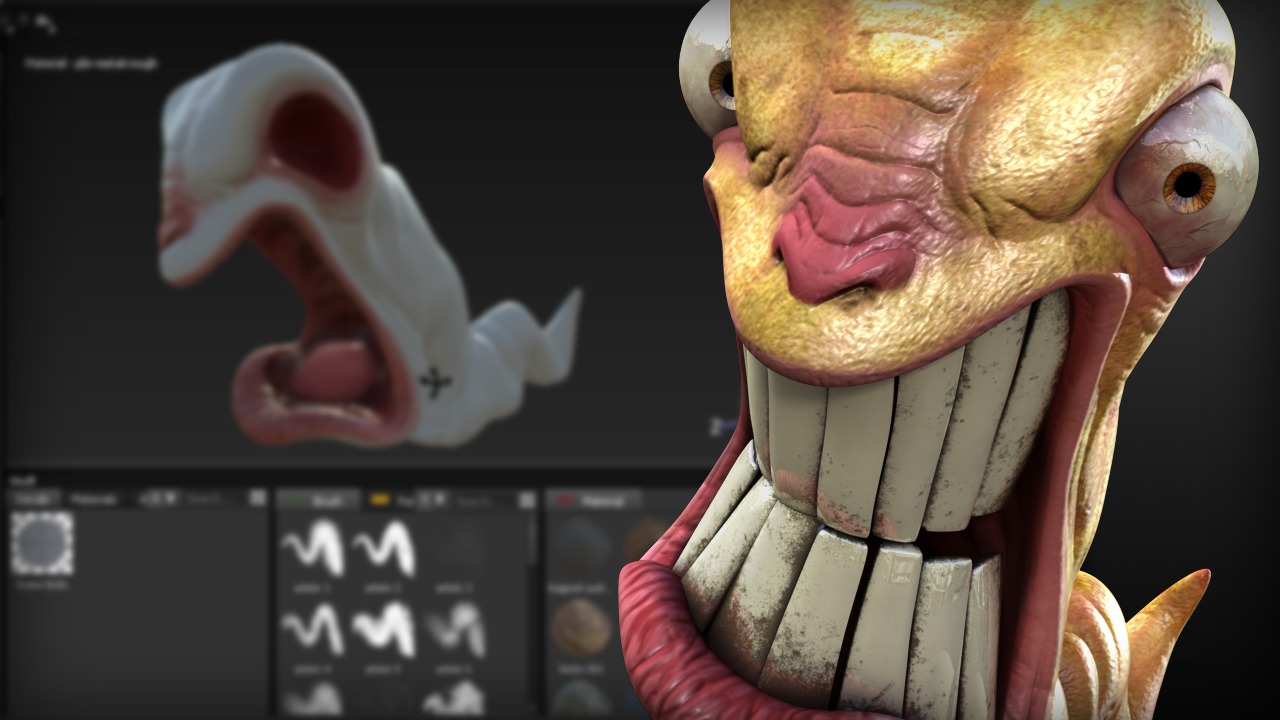
In this Substance Painter tutorial, we'll cover the basics of the entire software from the ground up. Texture painting can be such a convoluted process when it comes to making sure you've painted each and every map you need for an object. Not to mention the obvious creative disconnect that occurs when you paint each map one at a time. Substance Painter is an amazing application that provides a truly innovative and intuitive painting experience, in that it allows you to paint and preview all of your maps at the same time. To get started with this course, we'll first learn how to create and save a Substance Painter project. From here, we'll take a birds eye view of the interface, learning where all the important things are located. Working in Substance Painter is a little different than other products on the market so next, we'll break down the basic workflow for painting effectively inside of it. From here, we'll begin the process of painting the standard PBR (or physically based rendering) maps for our angry worm asset. We'll proceed step-by-step so you'll be able to follow right along with me. To wrap this course up, we'll learn how to export our texture maps out of Substance Painter so they can be used in other applications. After finishing this Substance Painter training, you'll have a solid foundation of knowledge to move forward painting textures inside of Substance Painter. Software required: Substance Painter v1.0.0.
Introduction to Substance Painter
Beginner
Table of contents



Eddie is a content producer for Unity as well as a seasoned shading, texturing, lighting and rendering artist. He takes pride in helping creative professionals reach their learning goals.
