
- Course
Painting Realistic 3D Skin Textures in Photoshop: Hands
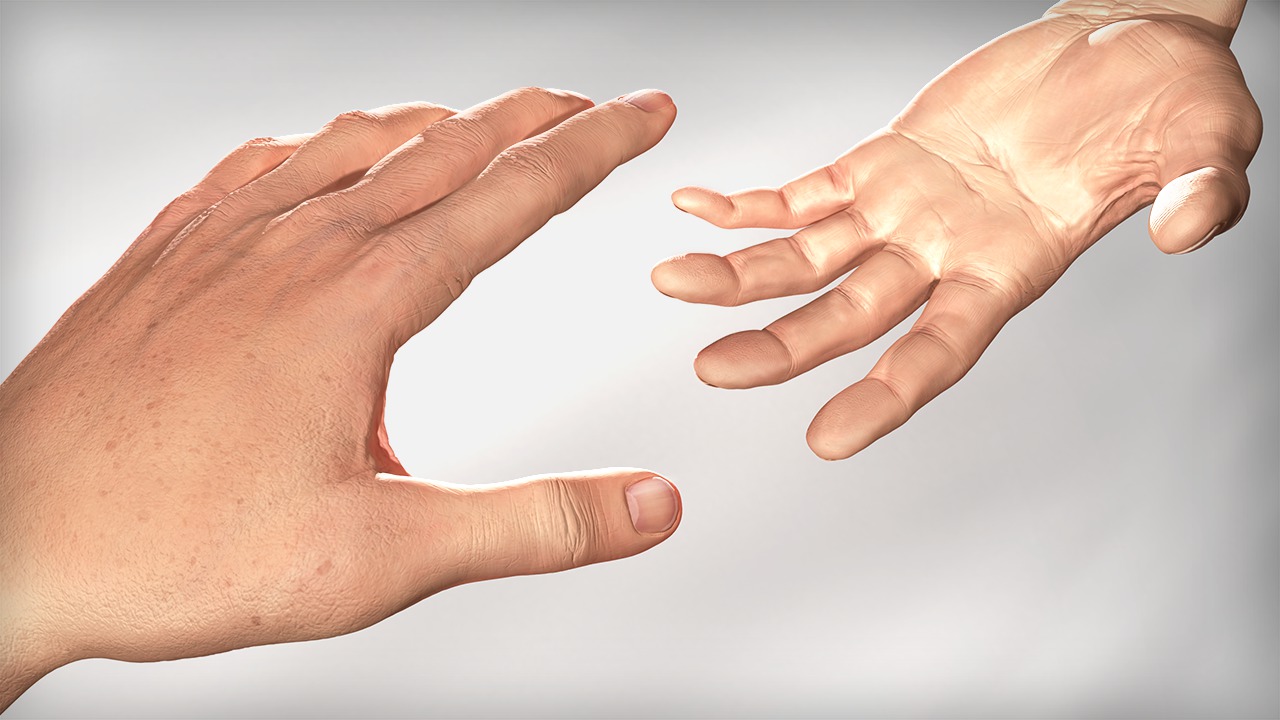
Hand-painting realistic skin textures is a topic that many artists shy away from, so much so that the first things they reach for are photographs to project onto their model. While many times this is a viable solution, hand-painting these textures is really very simple if you know where to begin. This tutorial covers the process of painting realistic skin textures for a hand asset starting from the inside and working out. Software required: Photoshop CC v14.1.
Intermediate
- Course
Painting Realistic 3D Skin Textures in Photoshop: Hands
Hand-painting realistic skin textures is a topic that many artists shy away from, so much so that the first things they reach for are photographs to project onto their model. While many times this is a viable solution, hand-painting these textures is really very simple if you know where to begin. This tutorial covers the process of painting realistic skin textures for a hand asset starting from the inside and working out. Software required: Photoshop CC v14.1.
Intermediate
Get started today
Access this course and other top-rated tech content with one of our business plans.
Try this course for free
Access this course and other top-rated tech content with one of our individual plans.
This course is included in the libraries shown below:
- Core Tech
What you'll learn
Hand painting realistic skin textures is a topic that many artists shy away from, so much so that the first things they reach for are photographs to project onto their model. While many times this is a viable solution, hand-painting these textures is really very simple if you know where to begin. This tutorial covers the process of painting realistic skin textures for a hand asset starting from the inside and working out. We will begin by focusing on the bump map for our hand, which will allow us to add additional surface details that may influence our diffuse textures. From here, we will get started painting subdermal and epidermal layers of tissue. After finishing off the diffuse color, we will create a specular map that will control how highlights react to the various surfaces of our skin. While painting all three maps, we will learn how to fully utilize Photoshop's 3D toolset as part of our texturing process. After completing this training, you will have learned a workflow that will allow you to paint realistic-looking skin texture on the hands of your models. Software required: Photoshop CC v14.1.
Painting Realistic 3D Skin Textures in Photoshop: Hands
Intermediate
Table of contents



Eddie is a content producer for Unity as well as a seasoned shading, texturing, lighting and rendering artist. He takes pride in helping creative professionals reach their learning goals.
