
- Course
Texturing Low Polygon Weapons in Photoshop
While today's game systems have made drastic improvements in terms of asset resolution, there are still limits. Software required: Photoshop CC v14.1.2.
Intermediate
- Course
Texturing Low Polygon Weapons in Photoshop
While today's game systems have made drastic improvements in terms of asset resolution, there are still limits. Software required: Photoshop CC v14.1.2.
Intermediate
Get started today
Access this course and other top-rated tech content with one of our business plans.
Try this course for free
Access this course and other top-rated tech content with one of our individual plans.
This course is included in the libraries shown below:
- Core Tech
What you'll learn
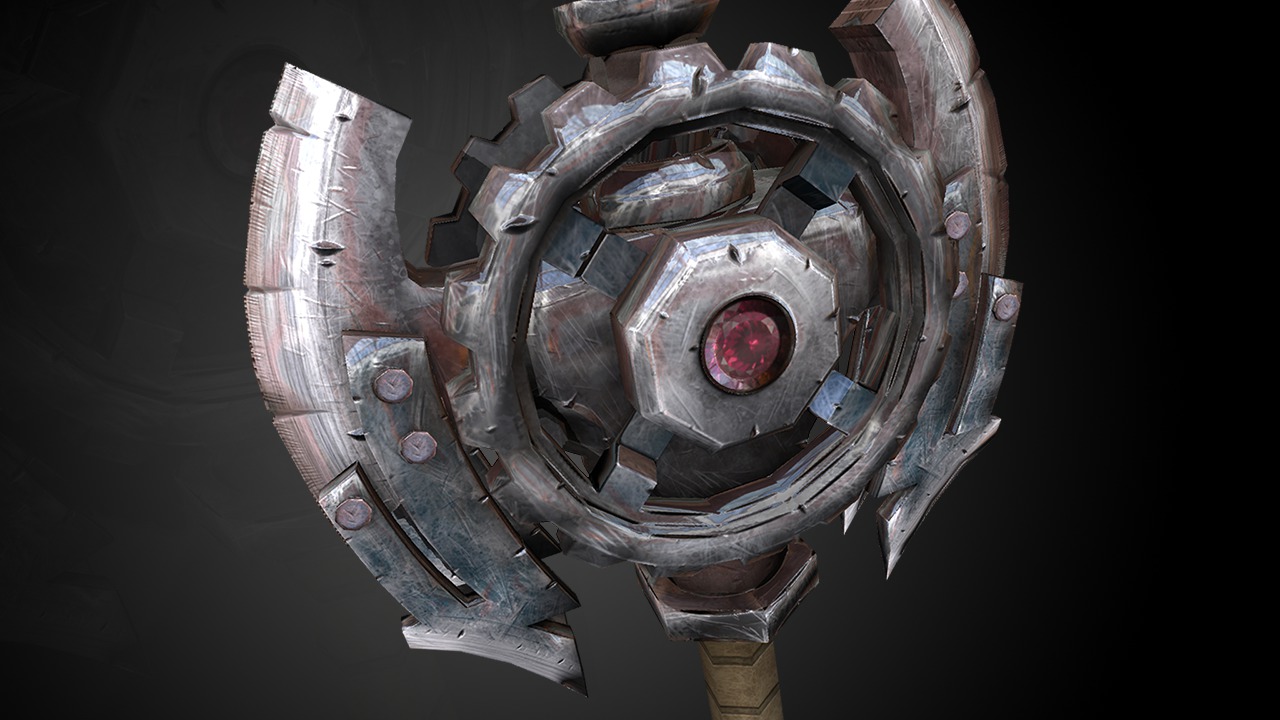
While today's game systems have made drastic improvements in terms of asset resolution, there are still limits. Sometimes creating texture maps for low resolution assets can be a challenge because less polygonal detail often means more detail that the texture artist has to come up with in their textures. This course goes over the process for painting both diffuse and specular maps for our low polygon game weapon. To start things out, we will dive in and begin to paint a base texture for many of the surfaces on the weapon. Whether it's a tarnished metal surface or a painted surface, we will learn how to add texture in layers starting at the bottom. From here we'll continue to add detail to our diffuse texture by painting things like scuffs and scratches followed by dirt. After completing the diffuse, we'll move on to the specular map where we'll learn how we can repurpose and modify some of our diffuse layers to map out the specular highlights on our weapon. To wrap things up we'll learn how to flatten and save our texture maps out of Photoshop. After completing this course, you will have a fully textured game asset that is ready to be brought into your game engine. Software required: Photoshop CC v14.1.2.
Texturing Low Polygon Weapons in Photoshop
Intermediate
Table of contents



Eddie is a content producer for Unity as well as a seasoned shading, texturing, lighting and rendering artist. He takes pride in helping creative professionals reach their learning goals.
