
- Course
Transferring Textures Between Assets in MARI
Prior to the invention of Ptex, a texture artist may have felt handcuffed to the UV layout process. Software required: MARI 2.6v2.
Intermediate
- Course
Transferring Textures Between Assets in MARI
Prior to the invention of Ptex, a texture artist may have felt handcuffed to the UV layout process. Software required: MARI 2.6v2.
Intermediate
Get started today
Access this course and other top-rated tech content with one of our business plans.
Try this course for free
Access this course and other top-rated tech content with one of our individual plans.
This course is included in the libraries shown below:
- Core Tech
What you'll learn
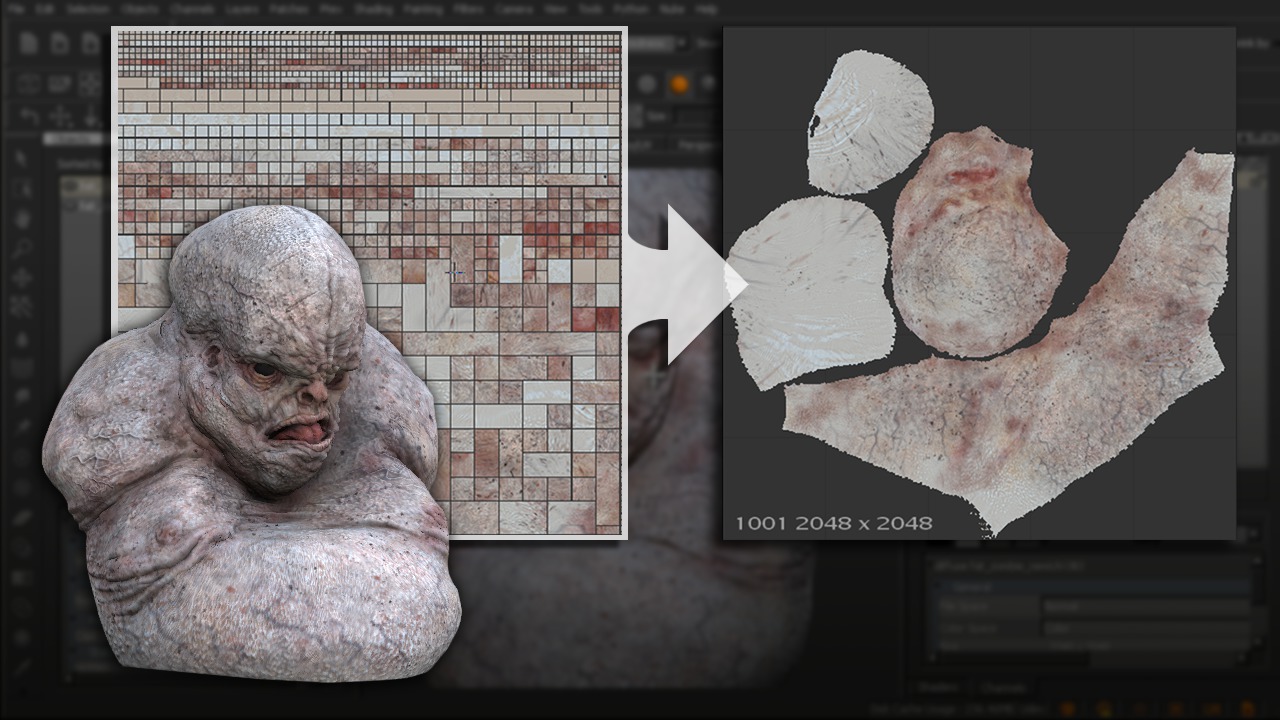
Prior to the invention of Ptex, a texture artist may have felt handcuffed to the UV layout process. Sculpting or modeling first, UV layout next, finally they would get to paint textures. Well, with the addition of Texture Transfer to MARI, artists now have the freedom to paint textures when they want and worry about getting them onto a UV layout later on. To begin we'll look at the texture transfer process and break it down, exploring every option while moving textures from a UV layout with multiple patches to one with a single patch. Next, we'll learn how to move textures between meshes that are not topological equivalents. From here we'll learn how to move textures from a Ptex asset to a UV version. Finally, we'll wrap this training up by learning how to transfer individual layers from one asset to another. After completing this tutorial, you'll know how to move your textures from one asset to another in the blink of an eye. More importantly, you'll be able to begin texture painting when you want, not when the UV's are ready. Software required: MARI 2.6v2.
Transferring Textures Between Assets in MARI
Intermediate
Table of contents



Eddie is a content producer for Unity as well as a seasoned shading, texturing, lighting and rendering artist. He takes pride in helping creative professionals reach their learning goals.
